
01
Urinary pathway
Define the kidney, renal pelvis, ureter and bladder structures needed for the exercise. Specify whether the brief covers one region or a connected tract.
Medical models / Training model
Outline a contained urinary-tract setup with connected renal modules, access points and removable sections.
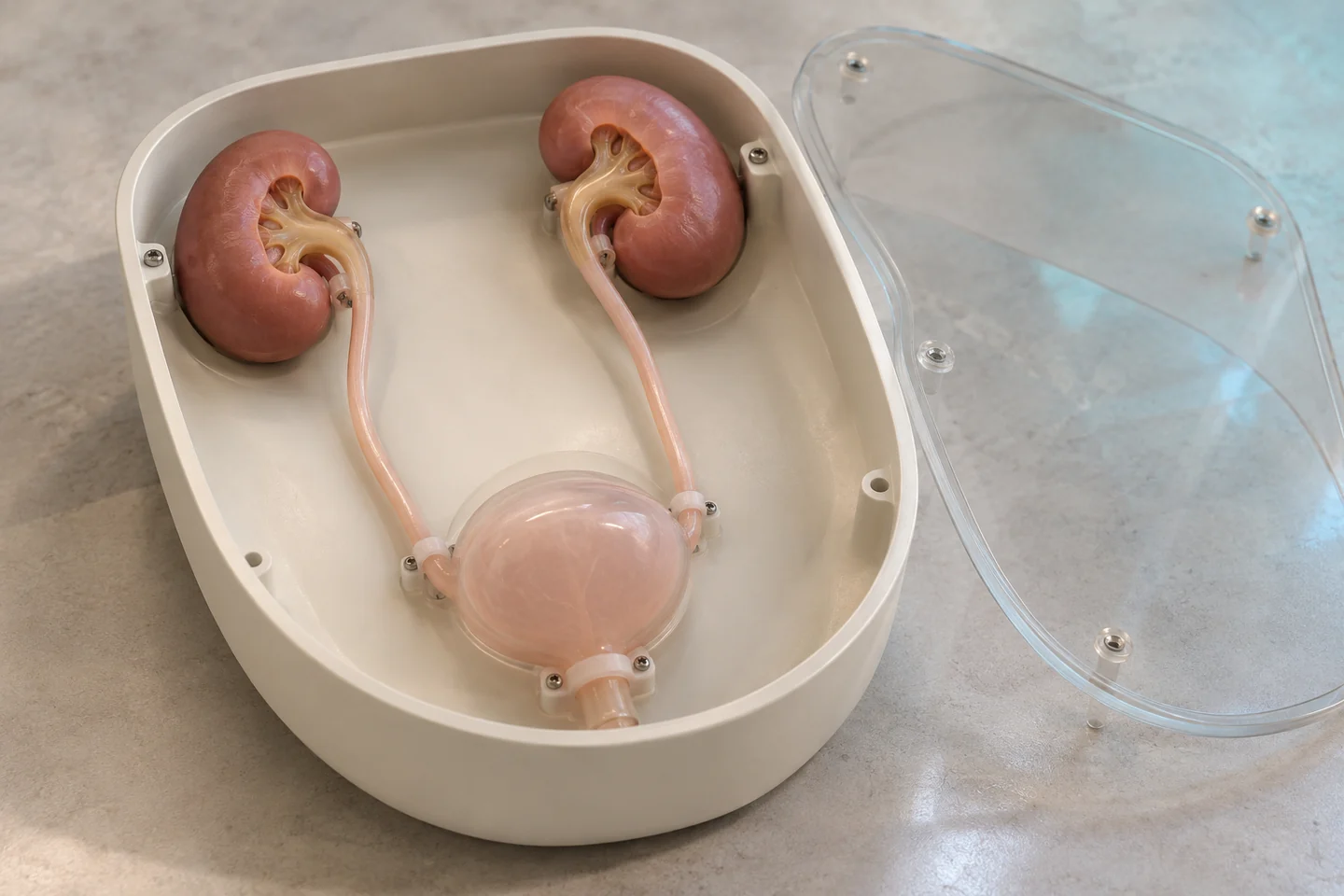
Generated illustrations show possible configurations. Exact products, specifications and suitability are reviewed for your project.
Structure & workflow
Explore a urological endoscopy training configuration with renal, ureteral and bladder anatomy, access routes, soft-tissue modules and supported housing.
Define the kidney, renal pelvis, ureter and bladder structures needed for the exercise. Specify whether the brief covers one region or a connected tract.
Discuss entry routes, lumen dimensions and removable covers. Instrument fit and visual access are reviewed for the proposed configuration.
Plan a stable base with access to replaceable tissue sections. Any proposed fluid circuit, fittings or lesion inserts require a separate configuration review.
Configuration
Project focus
Discuss entry routes, lumen dimensions and removable covers. Instrument fit and visual access are reviewed for the proposed configuration.
Discuss this configuration ↗Configuration to confirm
Configuration options are agreed for the project. Dimensions, materials, instrument fit, availability and supporting documents are confirmed for the proposed product.
From brief to an agreed scope
Tell us the training task, configuration, quantity and destination. Please leave patient information and medical files out of this public form.
Product FAQ
Share the structures, material behaviour, mounting and training task you need. We review the scope and confirm the proposed configuration before a quotation.
Send the relevant instrument dimensions and access requirements in your enquiry. Fit and handling need to be reviewed for the specific model; a photograph alone does not establish compatibility.
Continue exploring
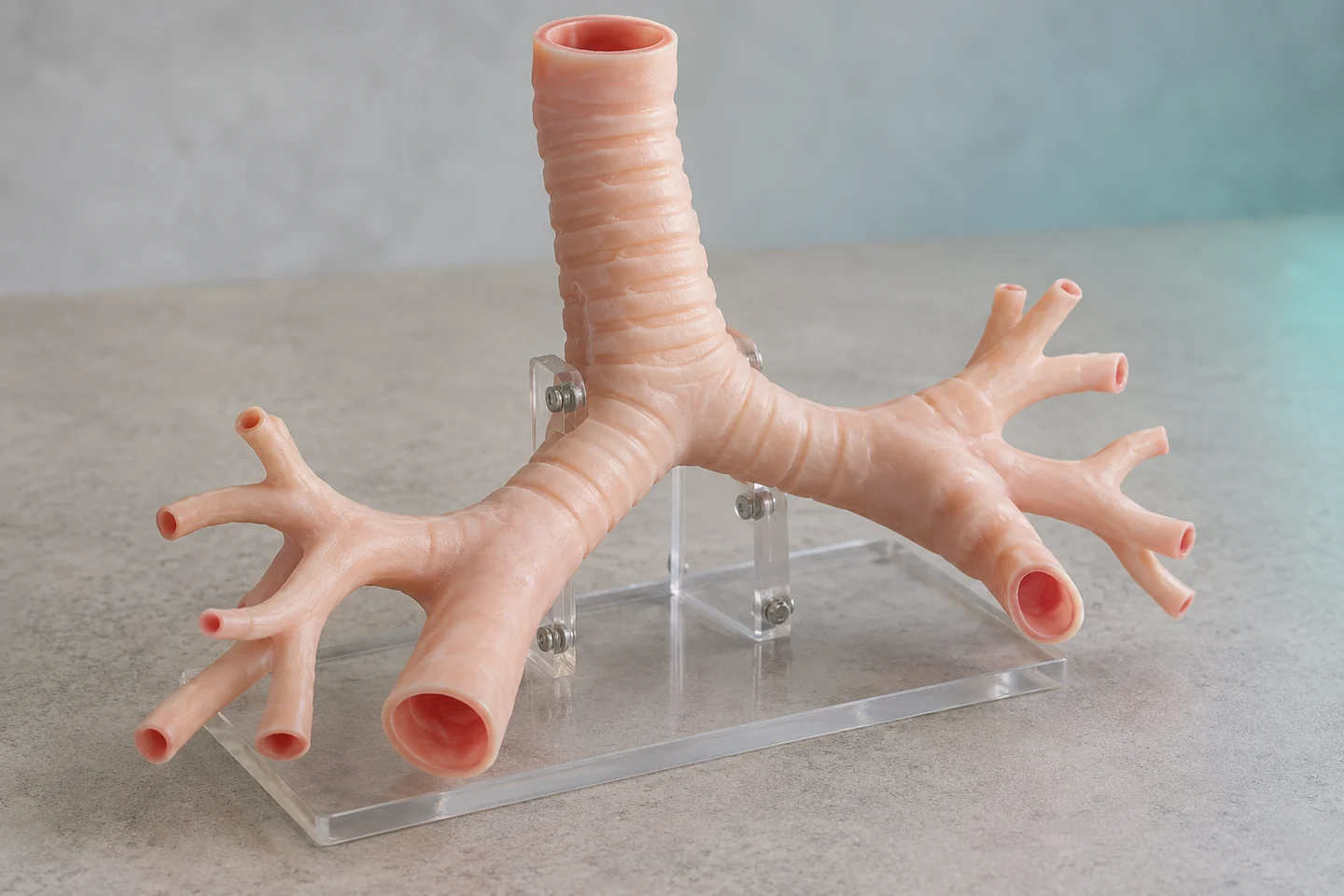 Training model / 01
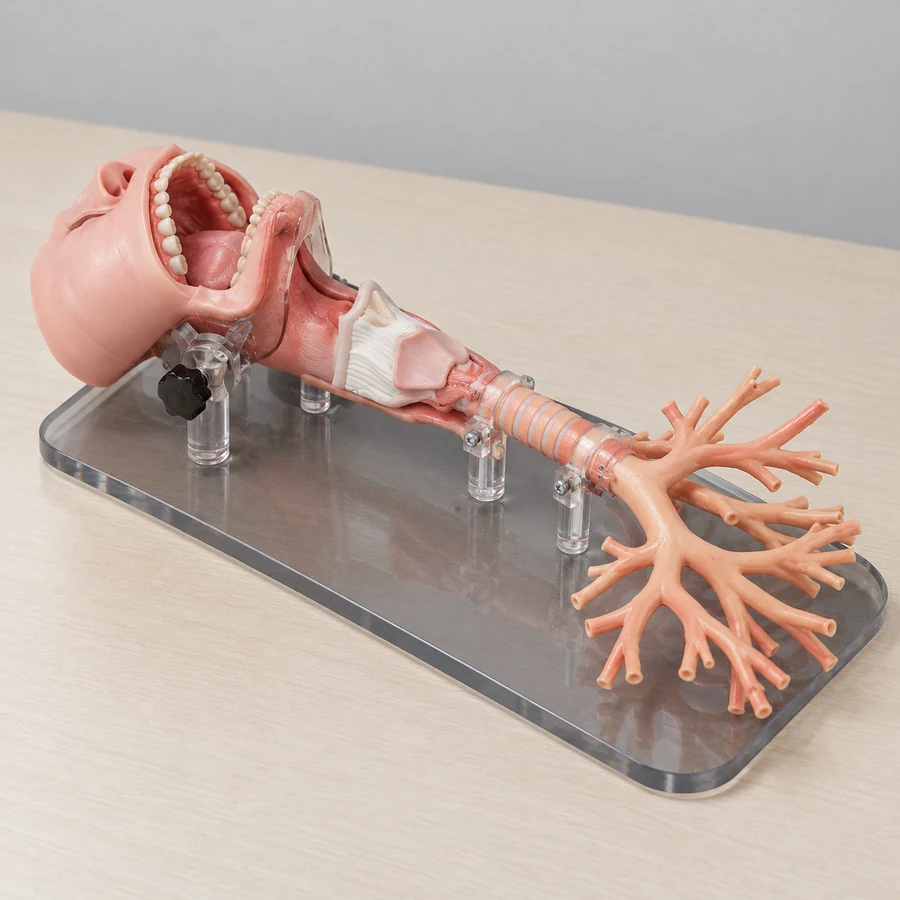
Discuss a connected airway trainer with defined entry routes, bronchial structures and practical supports.
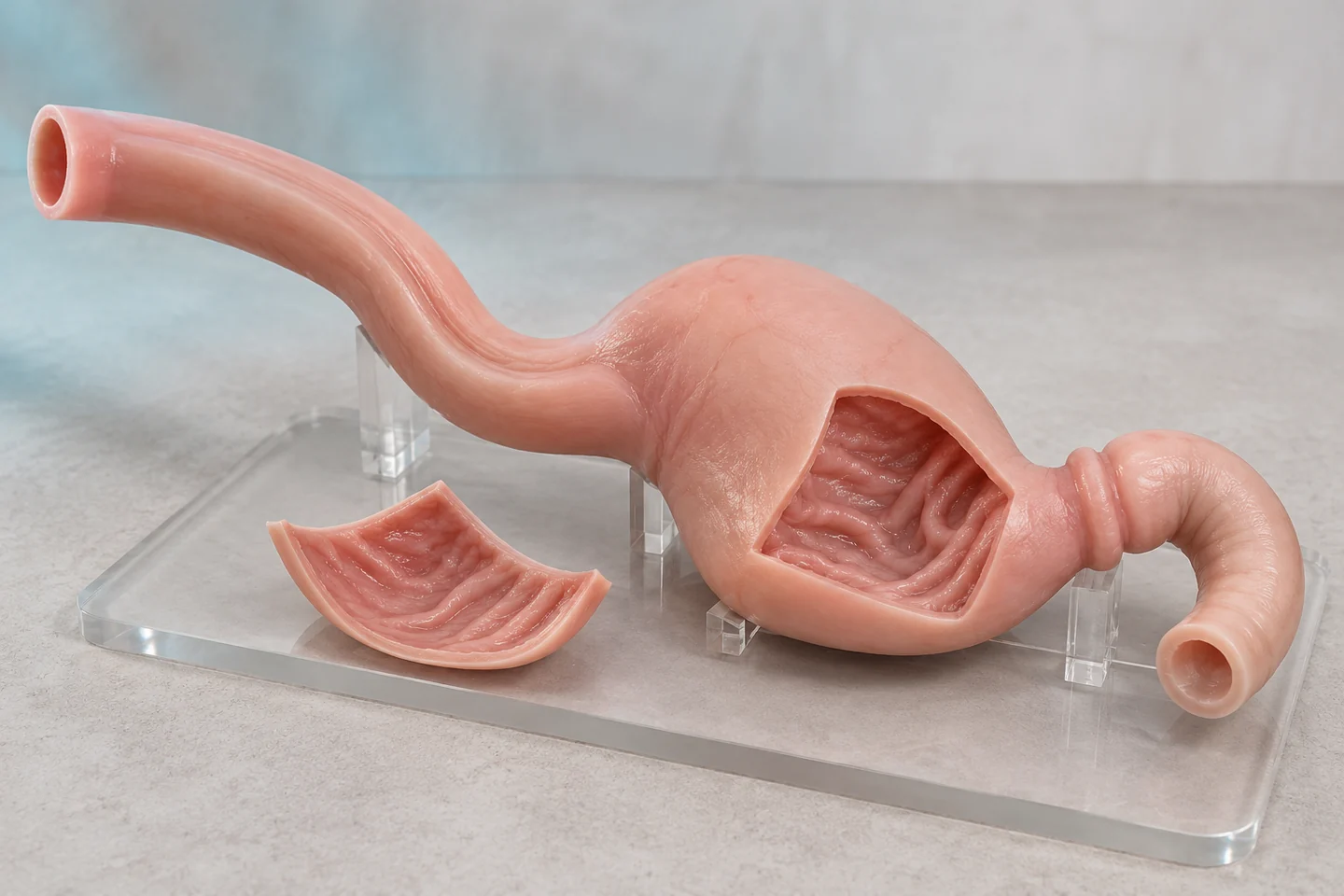 Training model / 03
Plan a supported mouth-to-stomach teaching configuration around the passage and training task.
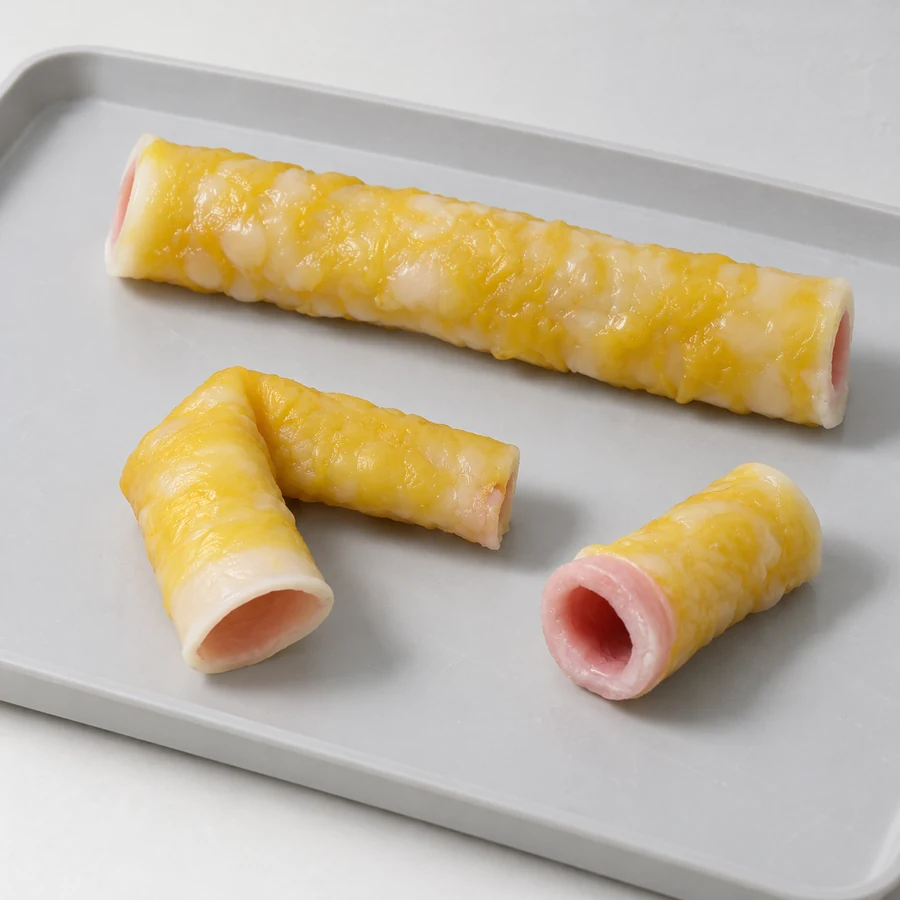 Training model / 06
Discuss geometry, layers and handling characteristics for focused tissue-handling or suturing practice.
Start a conversation
Tell us what your team needs to explain, practise, print or equip.
info@maxseas.com ↗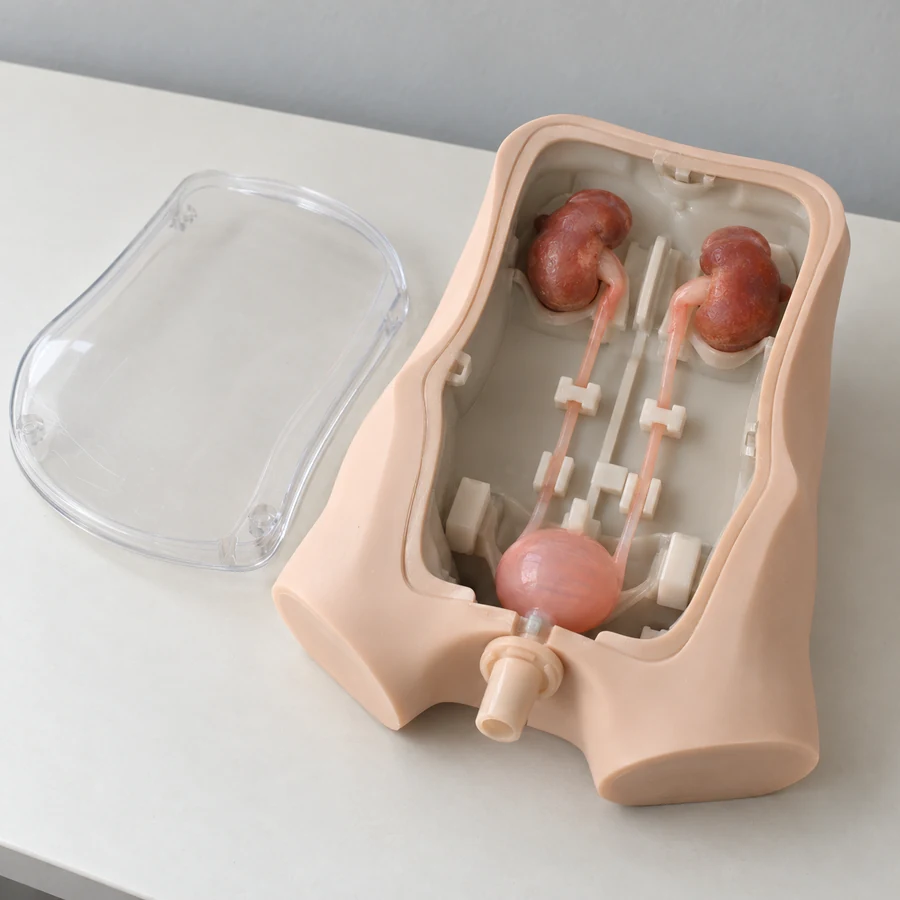
Please leave out patient information and medical images. Data suitability and a secure, authorized transfer process are discussed separately.
Your project enquiry