
Medical models · Printing · Digital anatomyinfo@maxseas.com ↗

Project guide

Brief a custom medical model

Connect anatomy, handling and the learning objective.

01

Describe the task

Name the structures and what the learner needs to see or practise. Include access routes and any instruments involved.

02

Define the physical model

Outline scale, layers, flexibility, transparency, supports and replaceable sections. Add the number of teaching sets.

03

Agree review and inputs

Describe available source data without attaching it here. Discuss feasibility, review criteria and authorized transfer before the project begins.

Please leave out patient information and medical images. Data suitability and a secure, authorized transfer process are discussed separately.
Continue exploring

Project guides

Start a conversation

Ready to make it specific?

Tell us what your team needs to explain, practise, print or equip.

info@maxseas.com ↗
  • Custom medical models
  • 3D printing equipment
  • Medical supplies
  • Surgical & OR equipment
  • Printer customization
  • Medical imaging to 3D
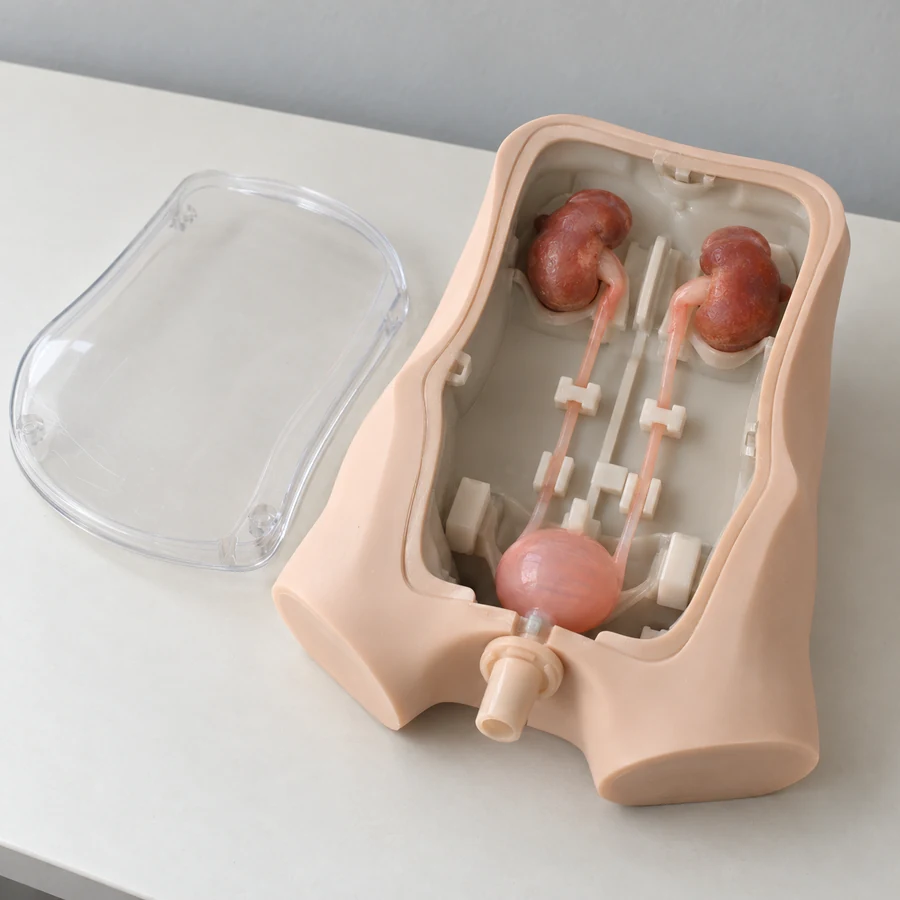
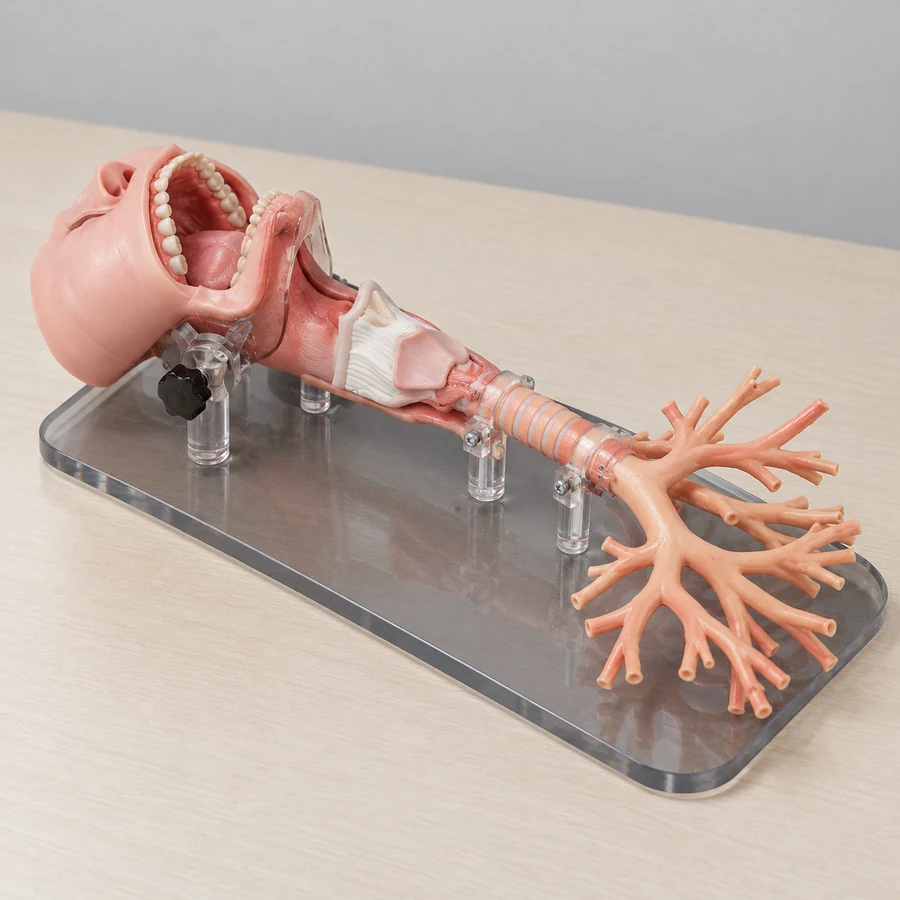
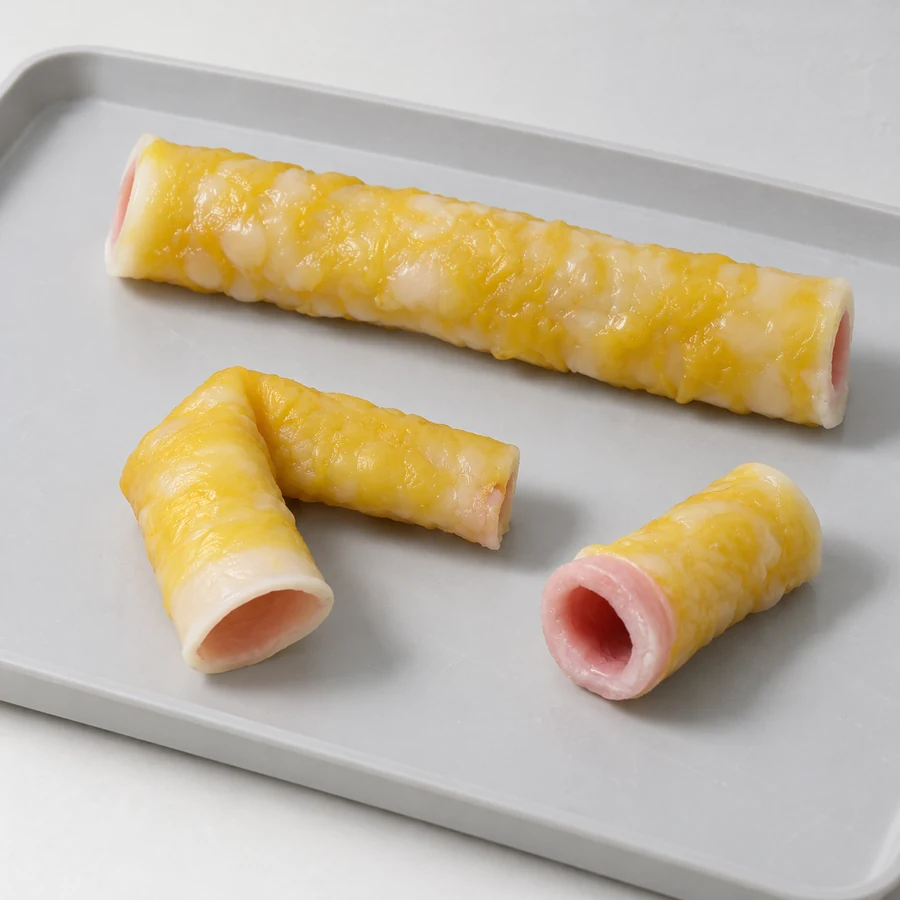
Illustrative product configuration: Custom Medical ModelsIllustrative product configuration: Custom Medical ModelsIllustrative product configuration: Custom Medical Models

Please leave out patient information and medical images. Data suitability and a secure, authorized transfer process are discussed separately.
Your project enquiry

20–4,000 characters. No patient details or medical images.

Send your non-sensitive project requirements directly to info@maxseas.com. Please check your email address before submitting.

Configuration to discuss

    Useful details for your enquiry

    Tell us the intended use, structures or functions, quantity and destination. We will review the specific requirements with you.

    Generated illustrations show possible configurations. Exact products, specifications and suitability are reviewed for your project.

    Your enquiry draft

    Send enquiry

    Nothing has been sent. You choose whether to send the draft from your email app.