
01
Cardiac anatomy and lesions
Choose the chambers, valves, vessels or lesion relationships that the physical model should demonstrate.
Browse by medical specialty
Explore cardiac anatomy, vascular pathways and local vessel-training model directions. Define structures, access routes, handling requirements and configuration details.
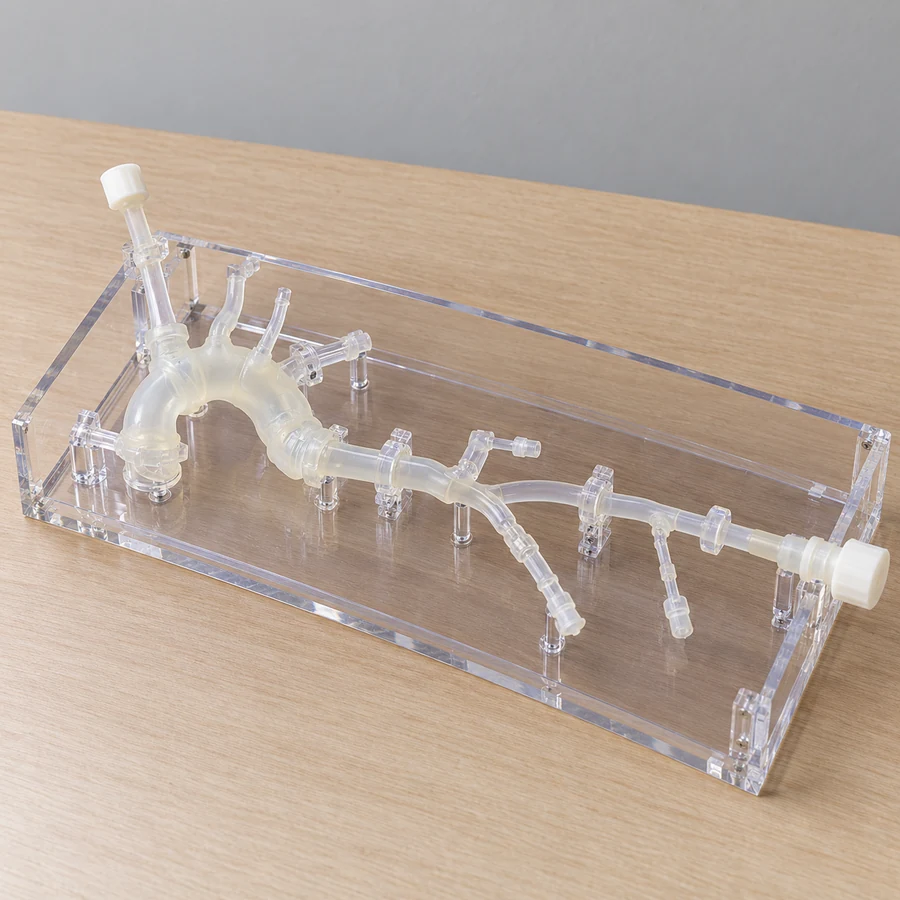
Generated illustrations show possible configurations. Exact products, specifications and suitability are reviewed for your project.
Model directions
Choose the chambers, valves, vessels or lesion relationships that the physical model should demonstrate.
Discuss pathway geometry, entry points, transparency and any fluid-circuit requirements for review.
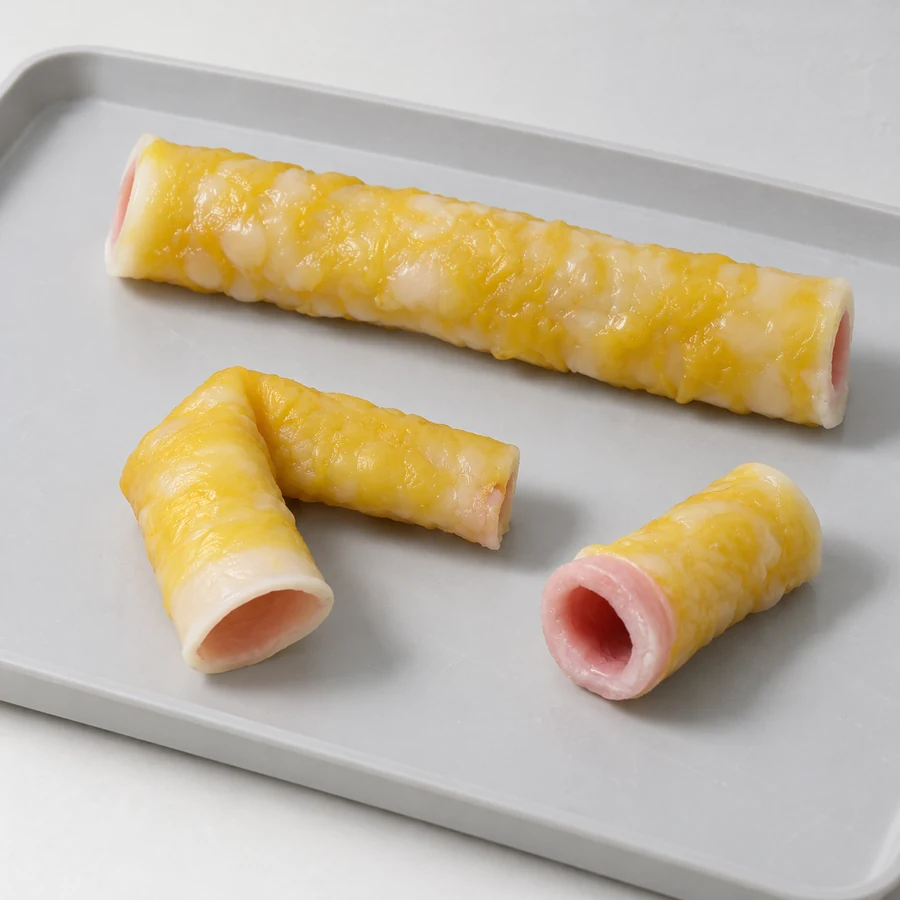
Define vessel dimensions and the handling or suturing task, together with the replacement requirements.
These are project directions, not confirmed stock items. Materials, instrument compatibility and supplied components are agreed for the specific configuration.
Selection checklist
Specialty questions
The priorities can differ. A display emphasizes visible structures; a trainer also requires access, handling and replacement requirements. Define the intended task in the brief.
No. If fluid circulation or particular flow behaviour is required, specify it for technical review of the complete model and supporting circuit.
Project guides
Browse by medical specialty
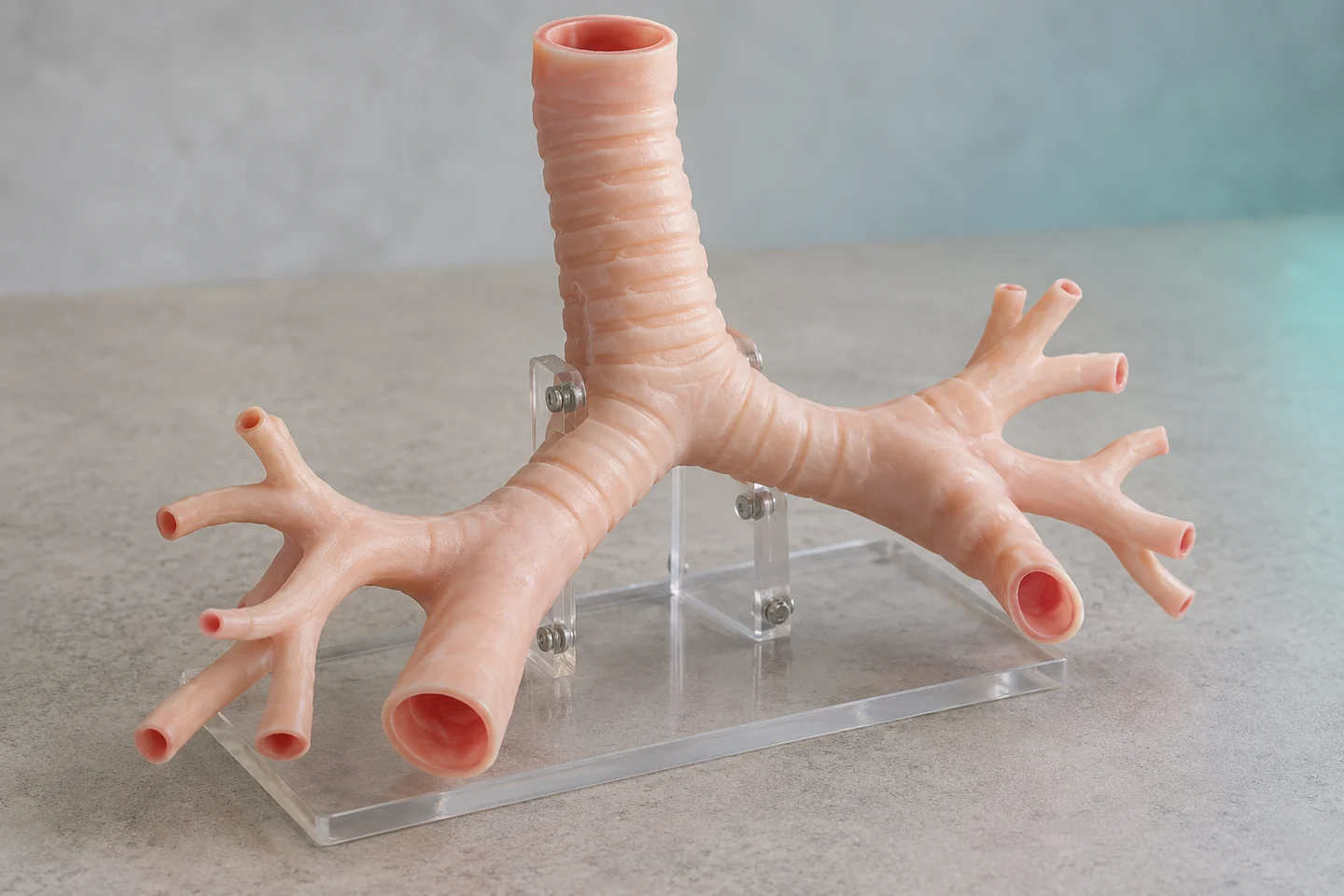
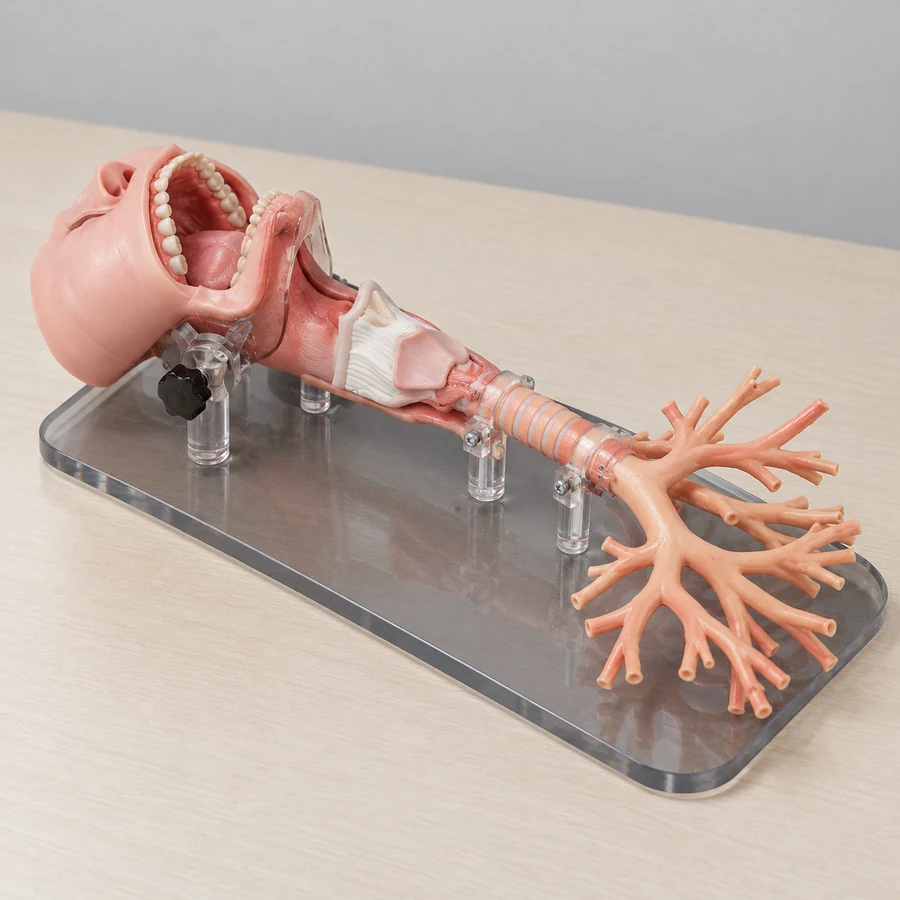
Connected upper airway · Adult or child bronchial anatomy
Model directions ↗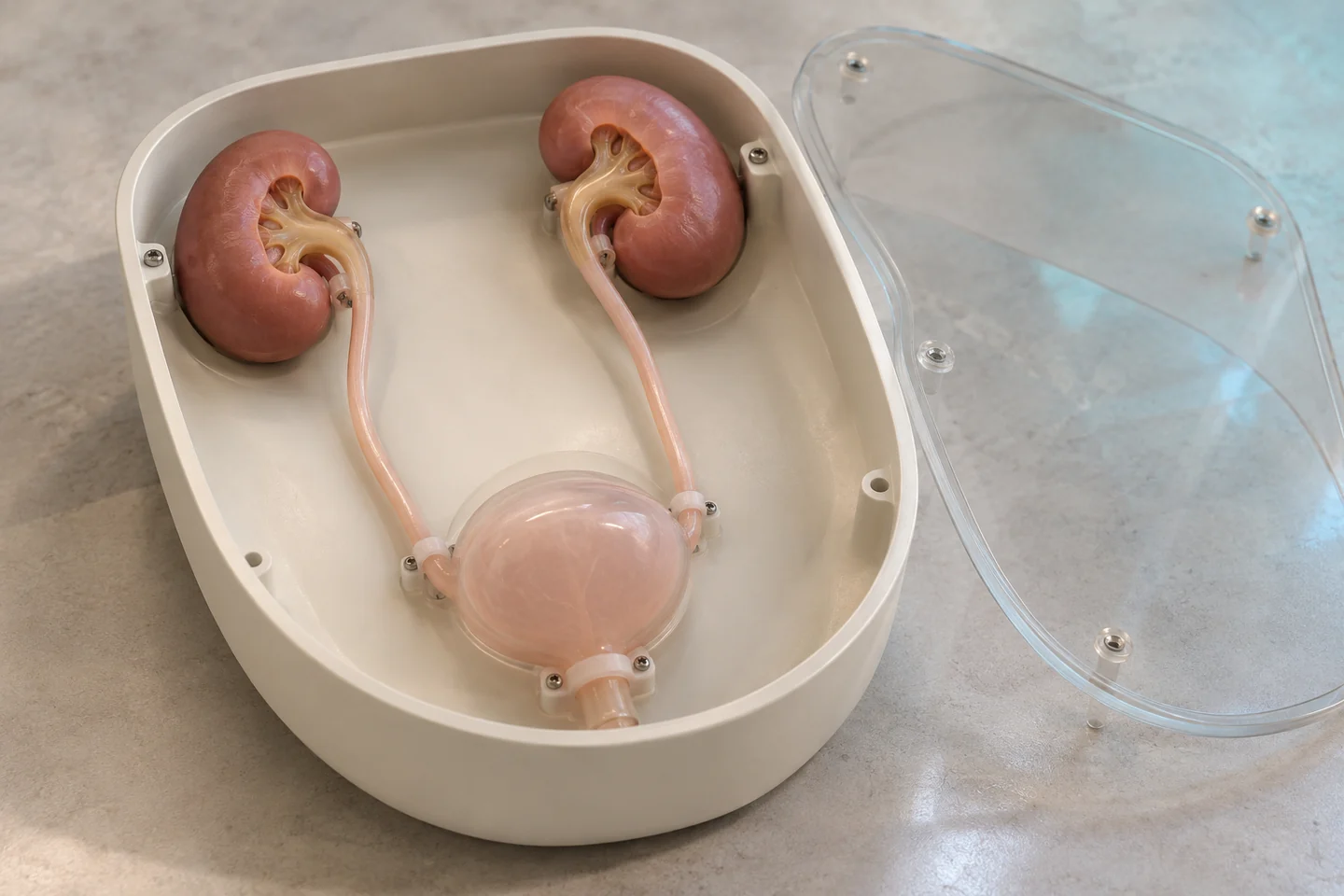
Urinary-tract endoscopy · Renal-access modules
Model directions ↗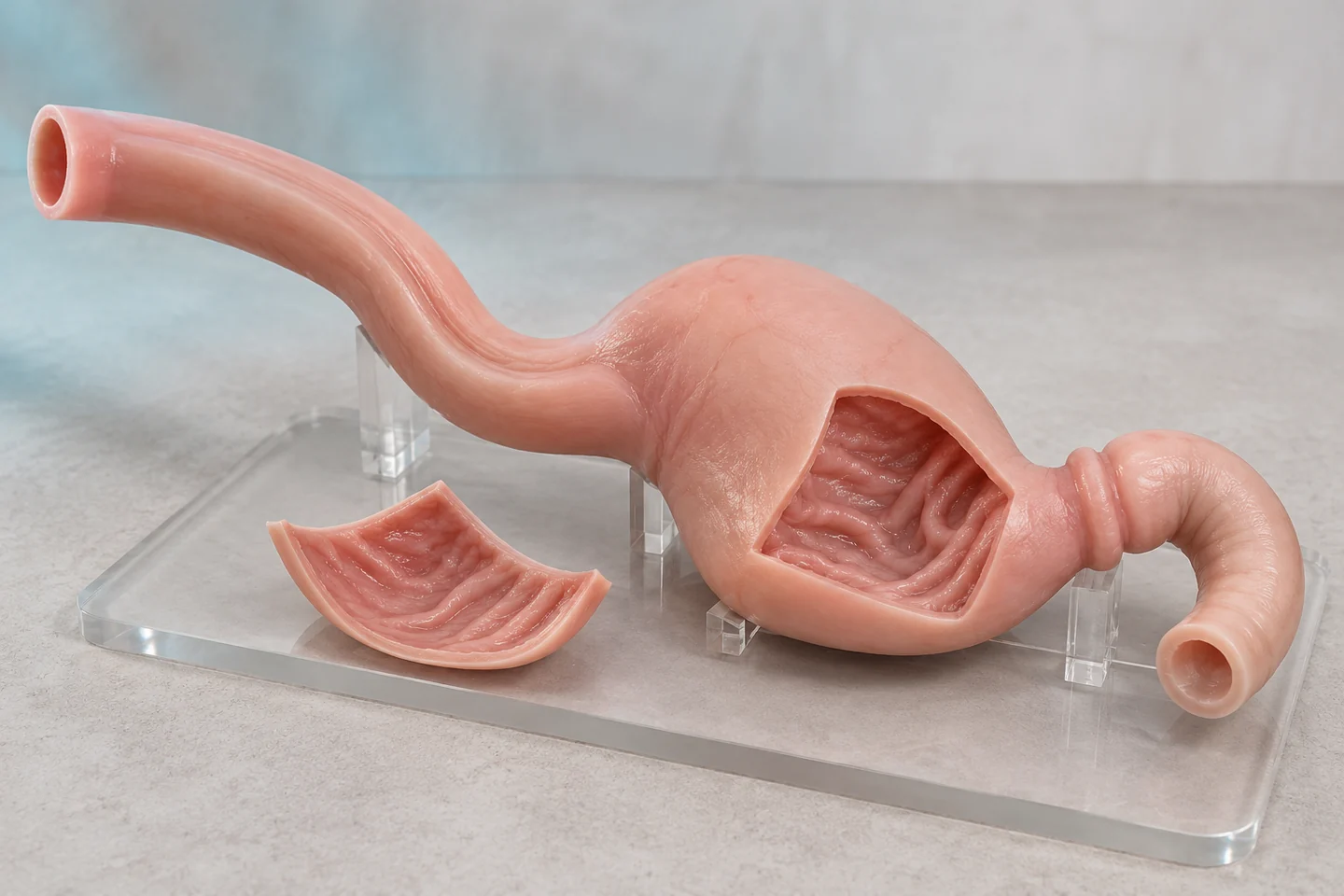
Upper-GI endoscopy · Lower-GI anatomy and navigation
Model directions ↗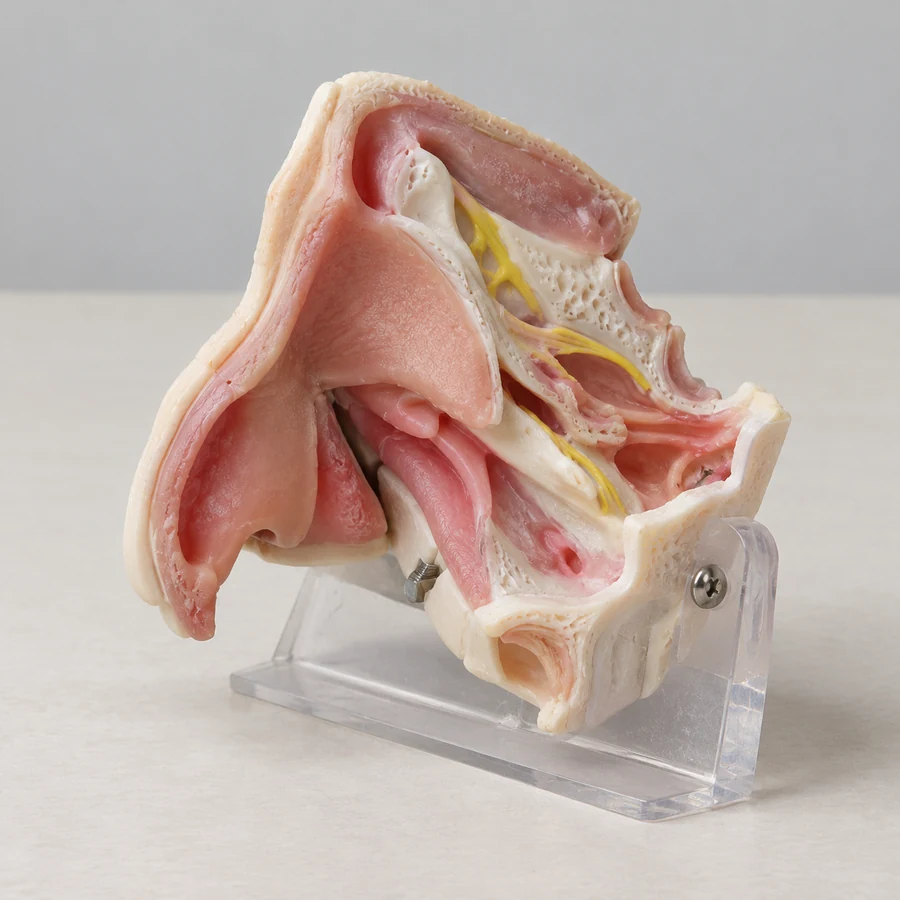
Nasal and sinus anatomy · Temporal-bone and ear modules
Model directions ↗Cranial and brain anatomy · Neurovascular relationships
Model directions ↗Start a conversation
Three connected services for medical education, simulation and 3D projects.
info@maxseas.com ↗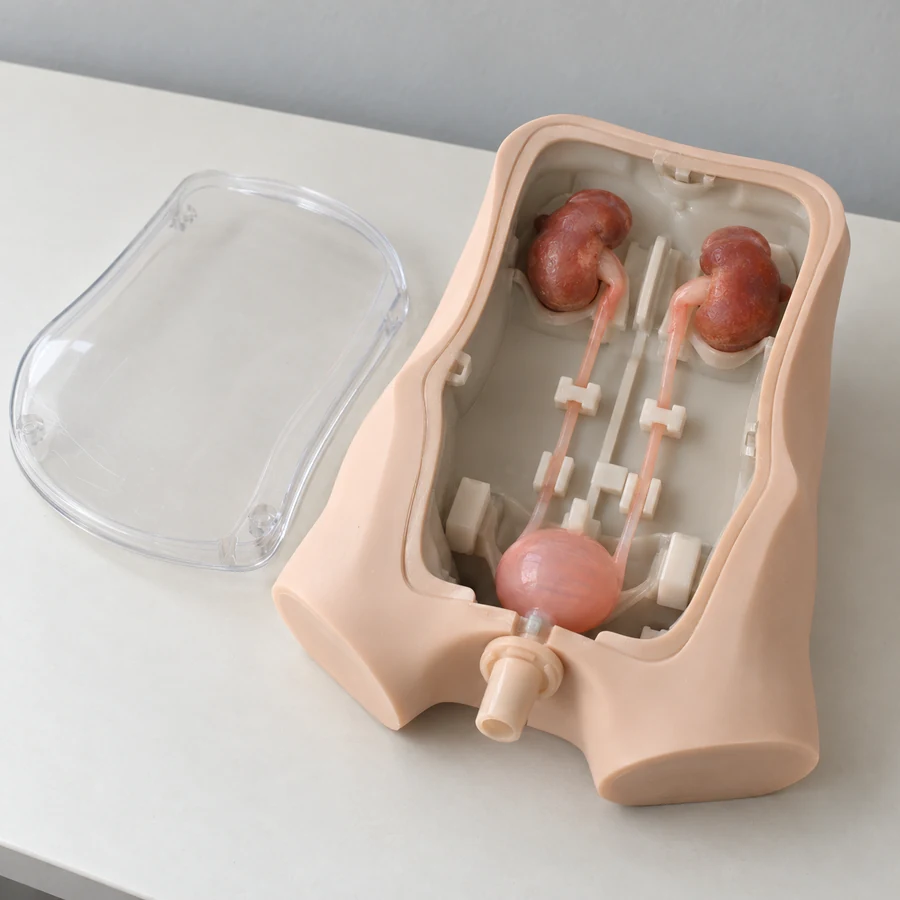
Please leave out patient information and medical images. Data suitability and a secure, authorized transfer process are discussed separately.
Your project enquiry