
01
Nasal and sinus anatomy
Specify sinus regions, drainage structures and any case-specific anatomy required for teaching or access practice.
Browse by medical specialty
Explore nasal, sinus, temporal-bone and skull-base training model directions. Define the anatomical case, access route, material behaviour and replaceable modules.
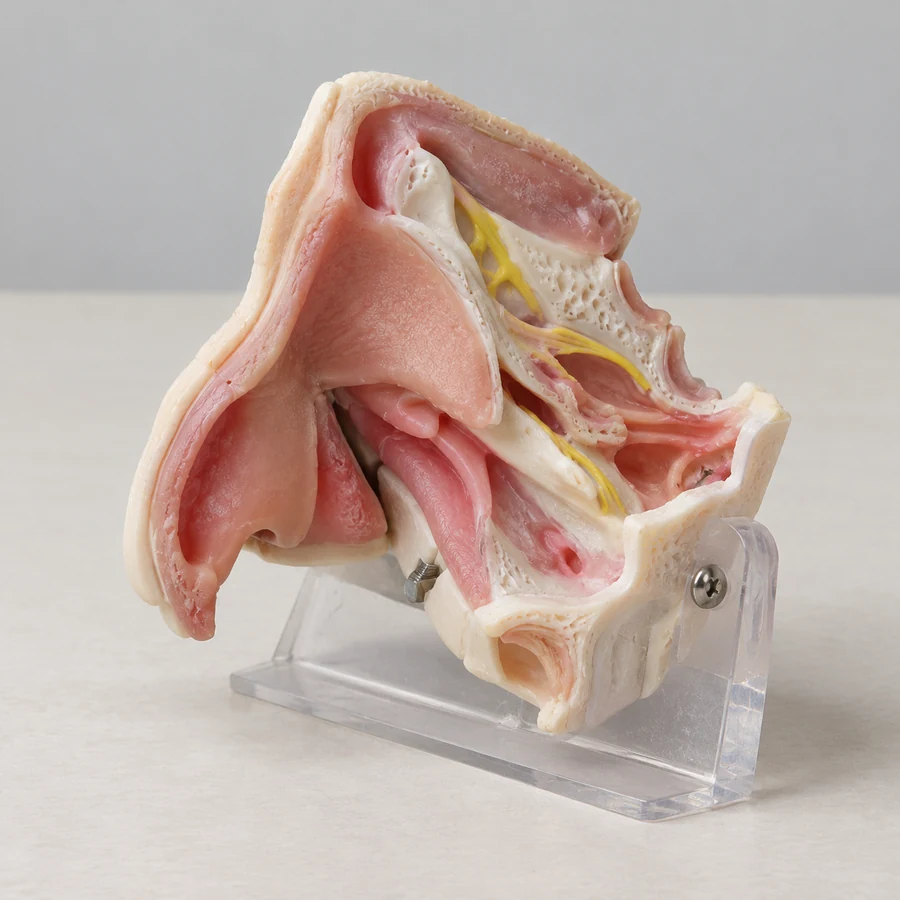
Generated illustrations show possible configurations. Exact products, specifications and suitability are reviewed for your project.
Model directions
Specify sinus regions, drainage structures and any case-specific anatomy required for teaching or access practice.
Discuss visible landmarks, drilling or instrument-handling tasks and the fixture needed for a module.
Define the lesion region, structures to preserve and the replaceable area for a particular training scenario.
These are project directions, not confirmed stock items. Materials, instrument compatibility and supplied components are agreed for the specific configuration.
Selection checklist
Specialty questions
A kit may combine anatomy, supports and related components; a replacement module is a defined part of that setup. Confirm each included item and the mounting interface.
Yes. Describe the region and training objective without patient information. Any imaging-based customization and data transfer require a separate technical review.
Project guides
Browse by medical specialty
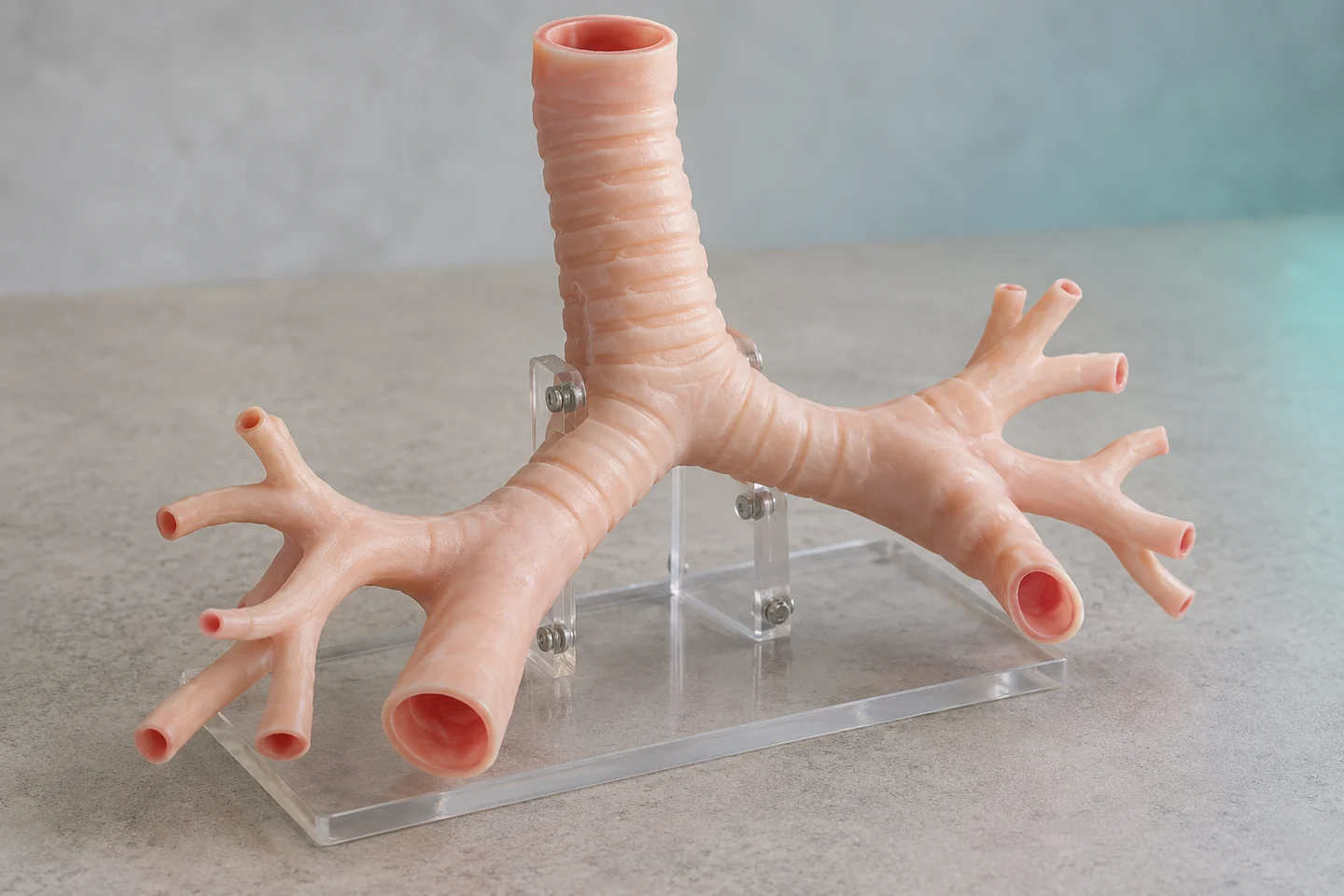
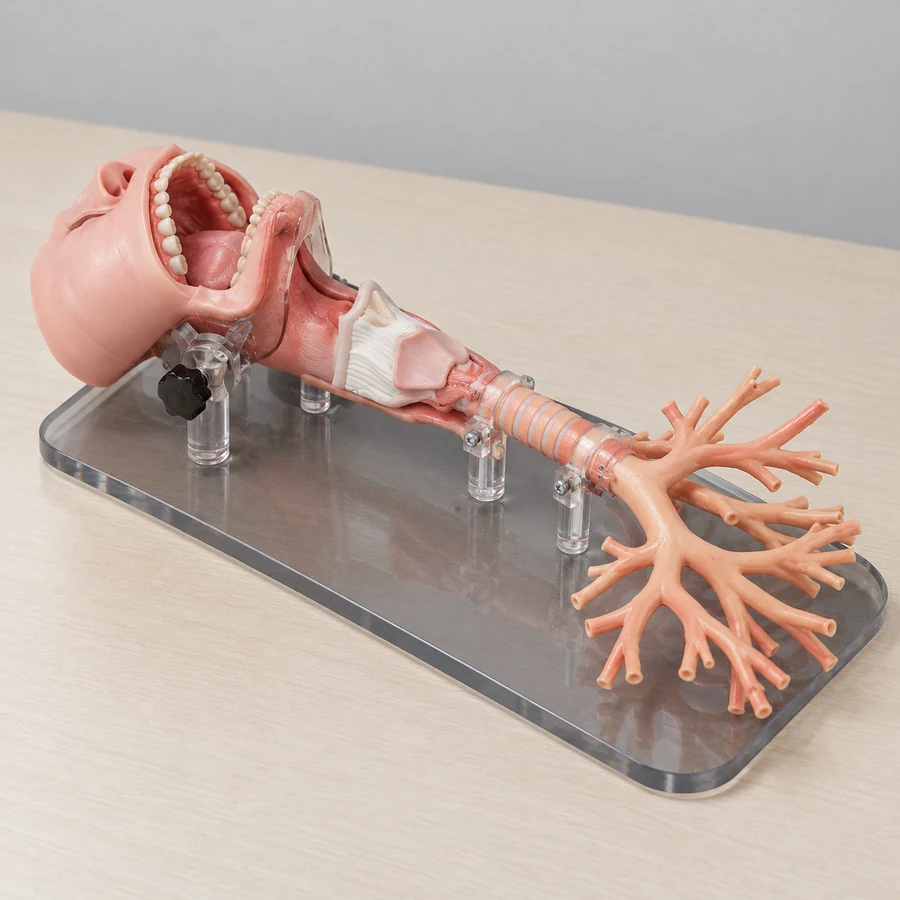
Connected upper airway · Adult or child bronchial anatomy
Model directions ↗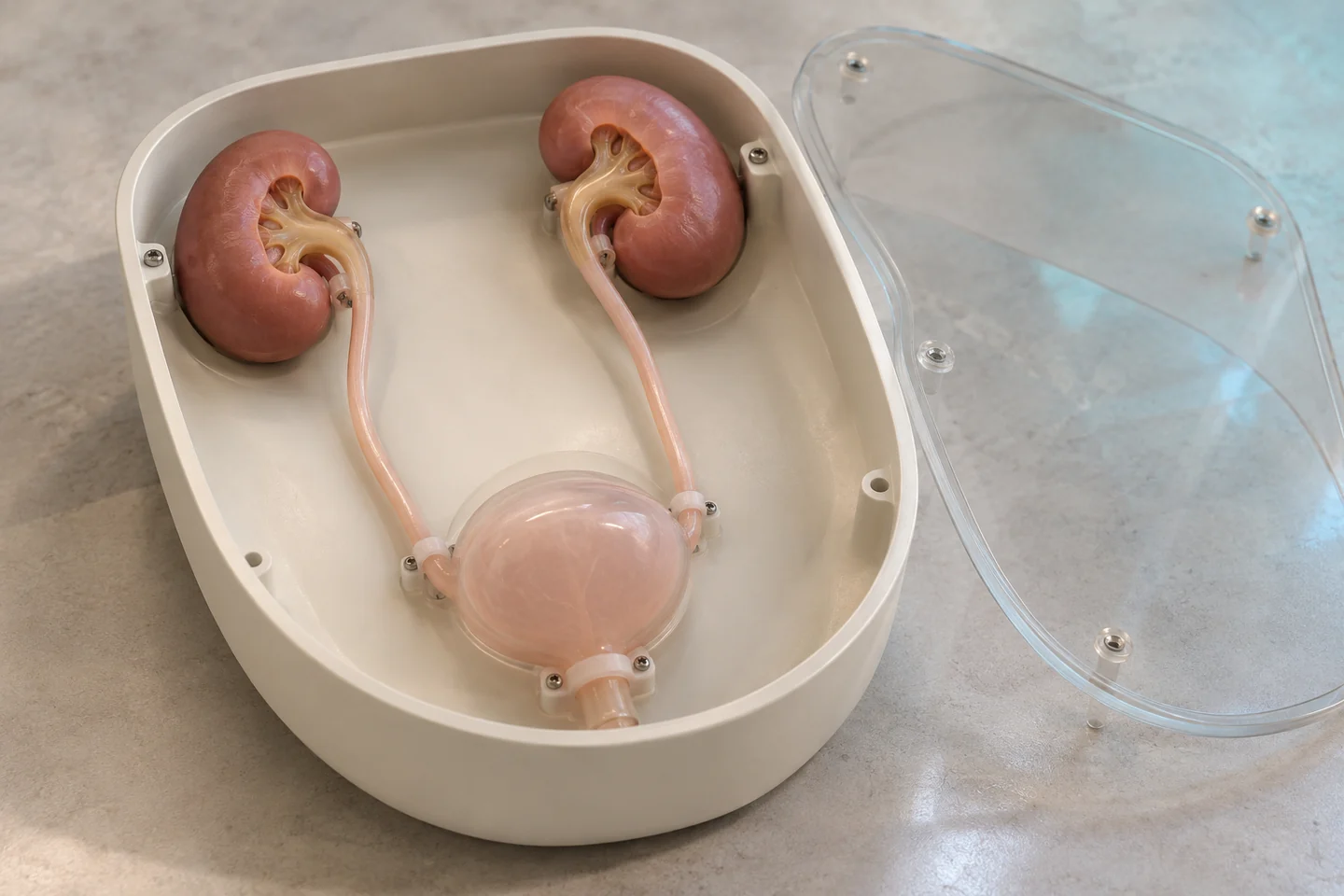
Urinary-tract endoscopy · Renal-access modules
Model directions ↗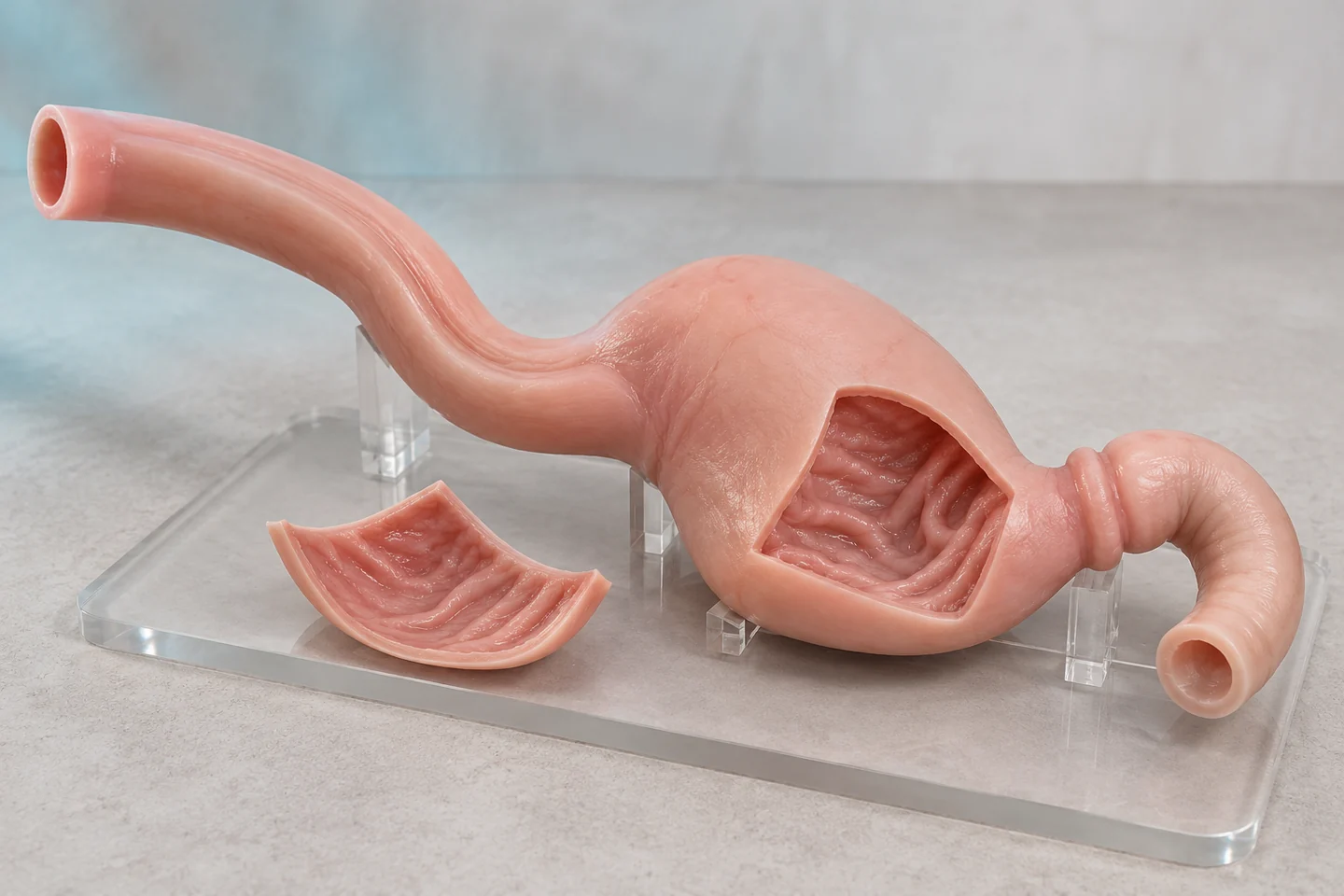
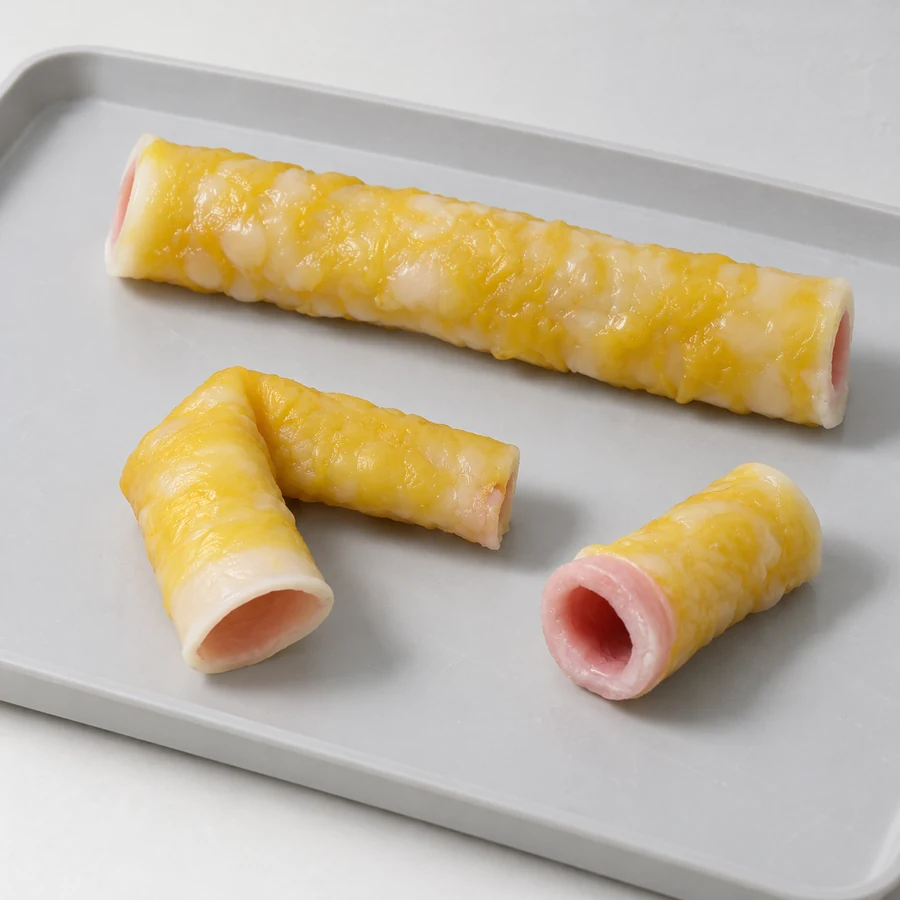
Upper-GI endoscopy · Lower-GI anatomy and navigation
Model directions ↗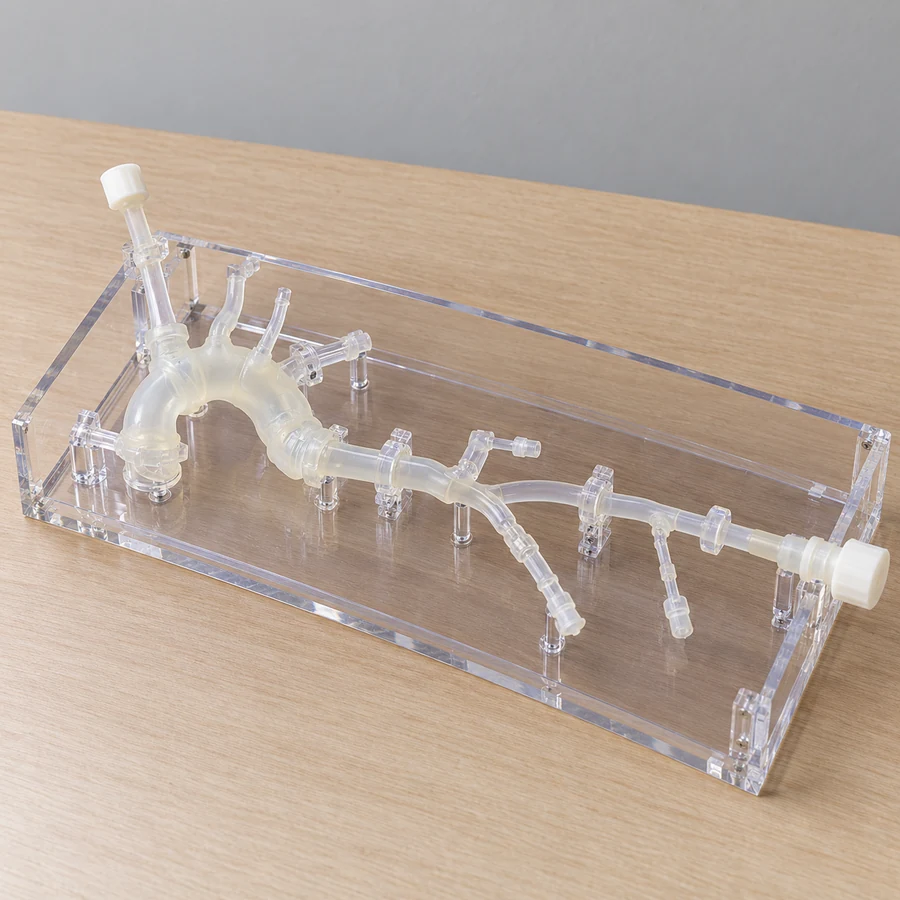
Cardiac anatomy and lesions · Vascular access pathways
Model directions ↗Cranial and brain anatomy · Neurovascular relationships
Model directions ↗Start a conversation
Three connected services for medical education, simulation and 3D projects.
info@maxseas.com ↗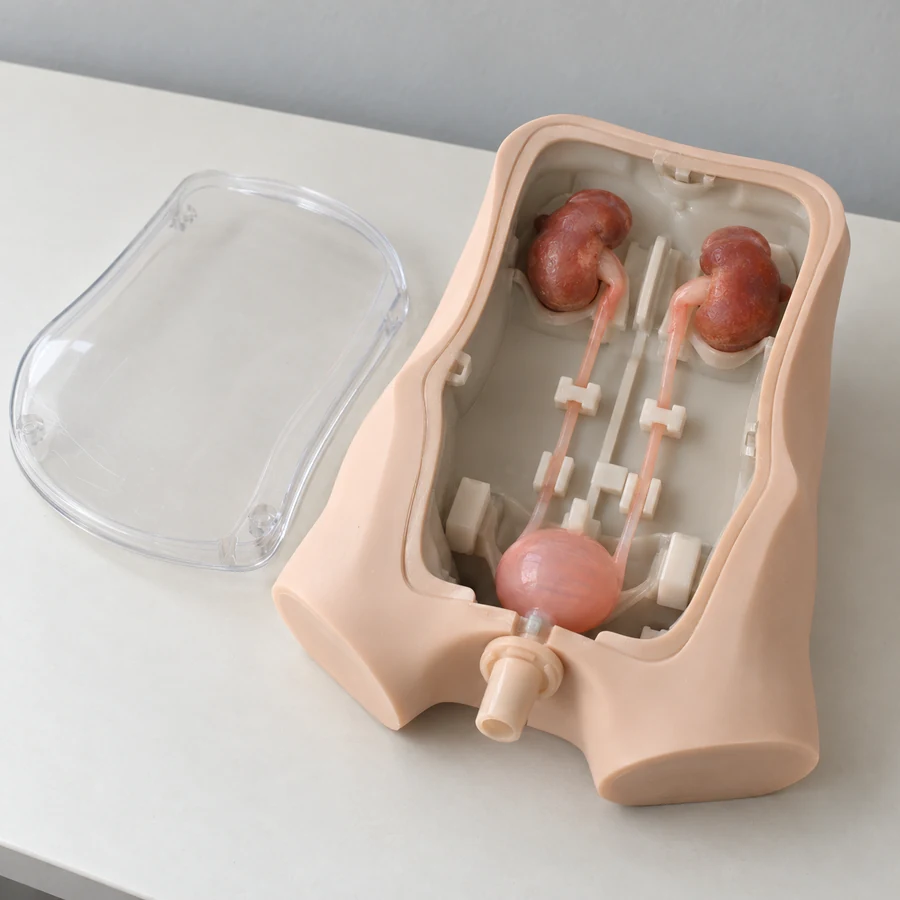
Please leave out patient information and medical images. Data suitability and a secure, authorized transfer process are discussed separately.
Your project enquiry