
01
Urinary-tract endoscopy
Discuss male or female anatomy, kidney-to-bladder coverage and the intended endoscopic access.
Browse by medical specialty
Explore urinary-tract, renal-access and endoscopy model directions. Compare anatomy, access routes, replaceable modules and equipment requirements for your training brief.
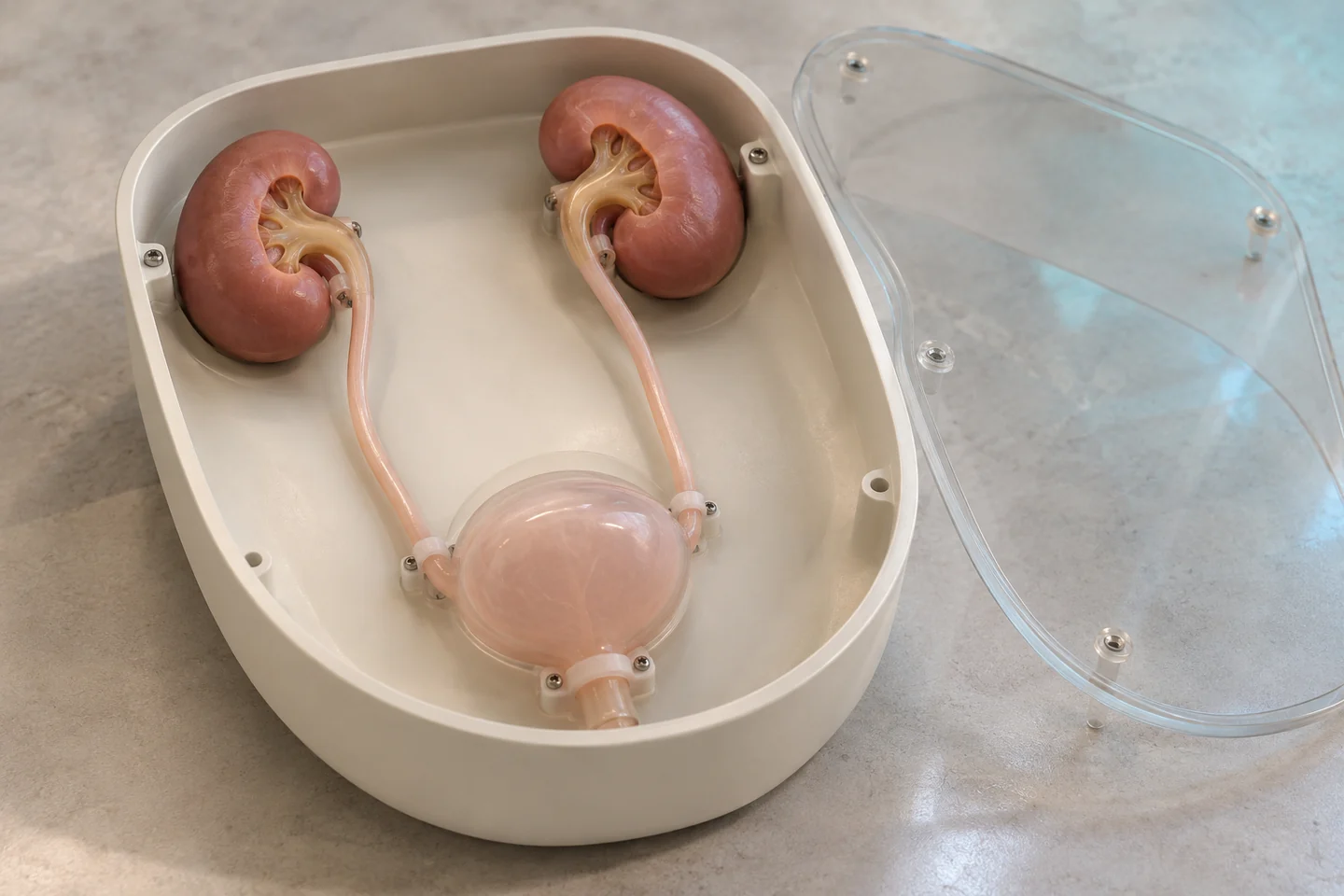
Generated illustrations show possible configurations. Exact products, specifications and suitability are reviewed for your project.
Model directions
Discuss male or female anatomy, kidney-to-bladder coverage and the intended endoscopic access.
Define kidney, collecting-system and target-region requirements for a selected access-training task.
Review mounting, fluid connections or ultrasound-related requirements only for the configuration being considered.
These are project directions, not confirmed stock items. Materials, instrument compatibility and supplied components are agreed for the specific configuration.
Selection checklist
Configuration to discuss
Training model / 02Outline a contained urinary-tract setup with connected renal modules, access points and removable sections.
Specialty questions
The full assembly addresses connected anatomy and access paths. A renal module narrows the project to a kidney region or target task. Confirm the included structures and accessories.
No universal compatibility is assumed. State the intended imaging equipment, task and target structures so the selected material and model can be reviewed.
Project guides
Browse by medical specialty
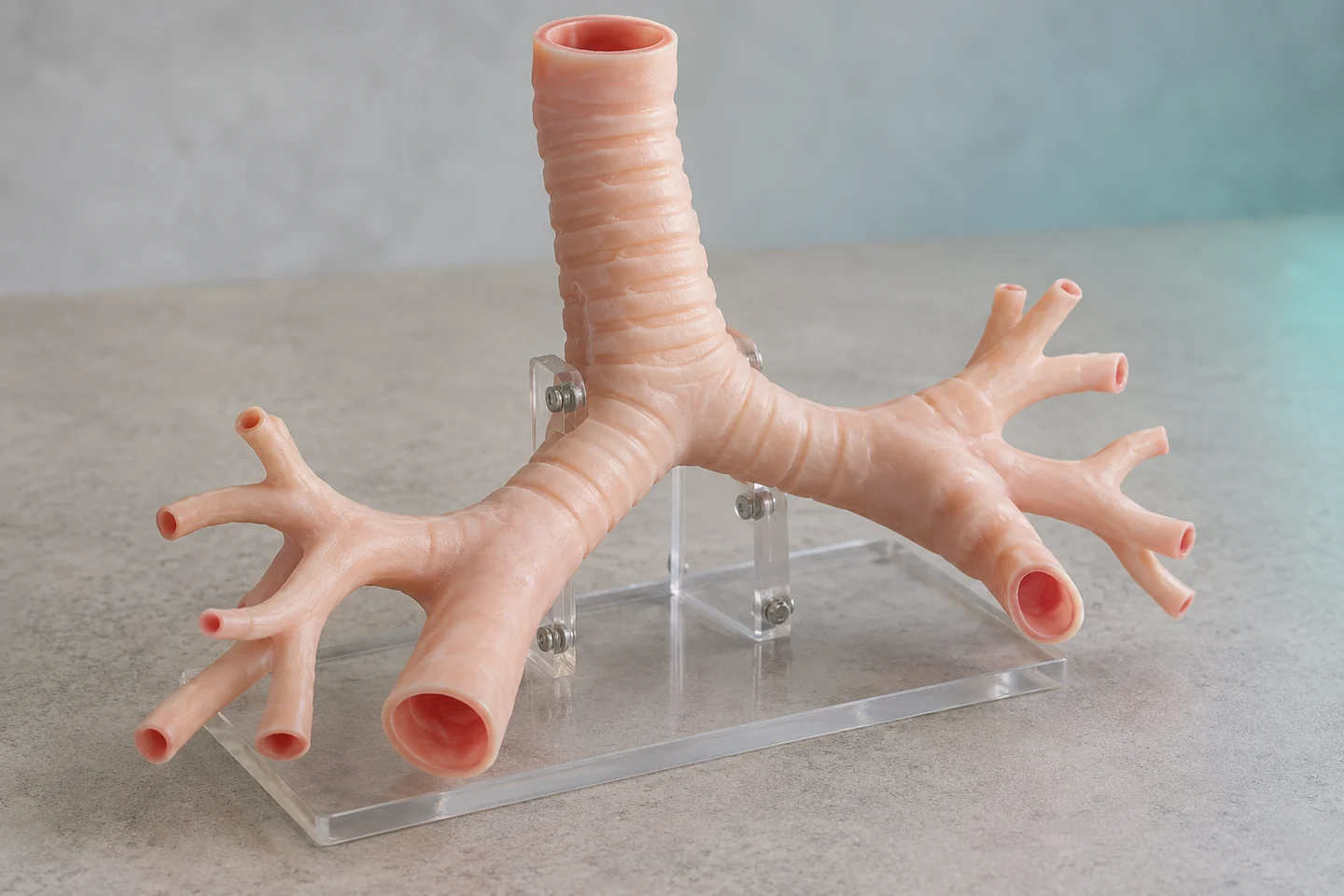
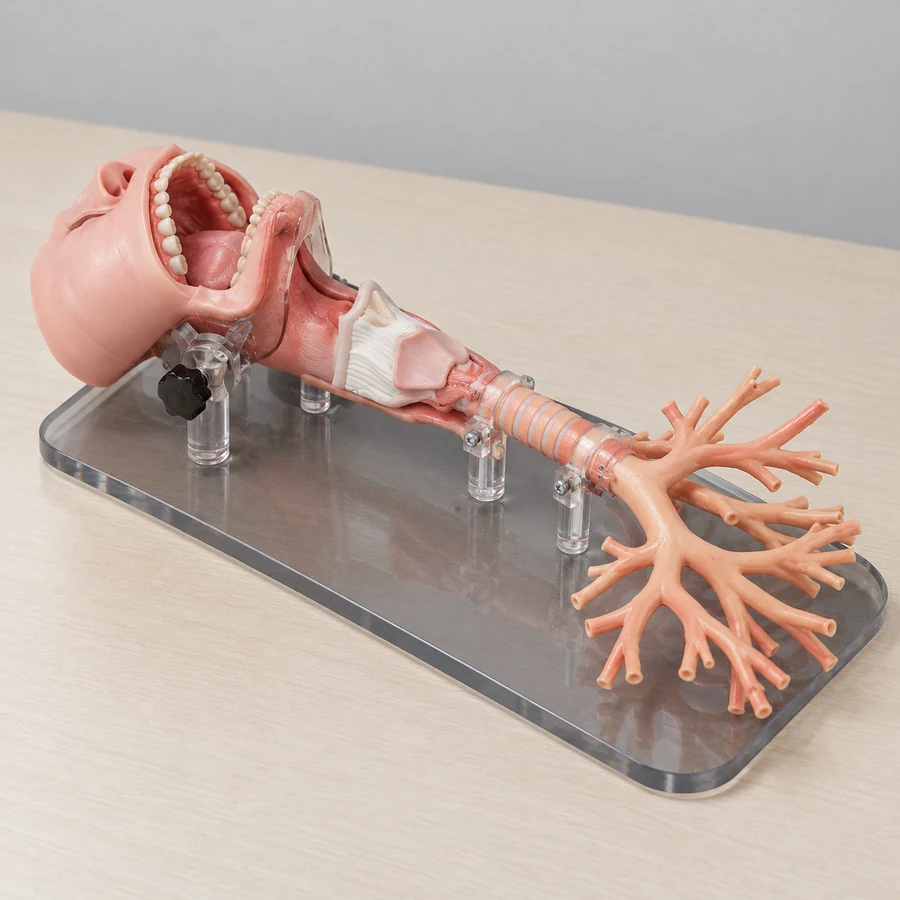
Connected upper airway · Adult or child bronchial anatomy
Model directions ↗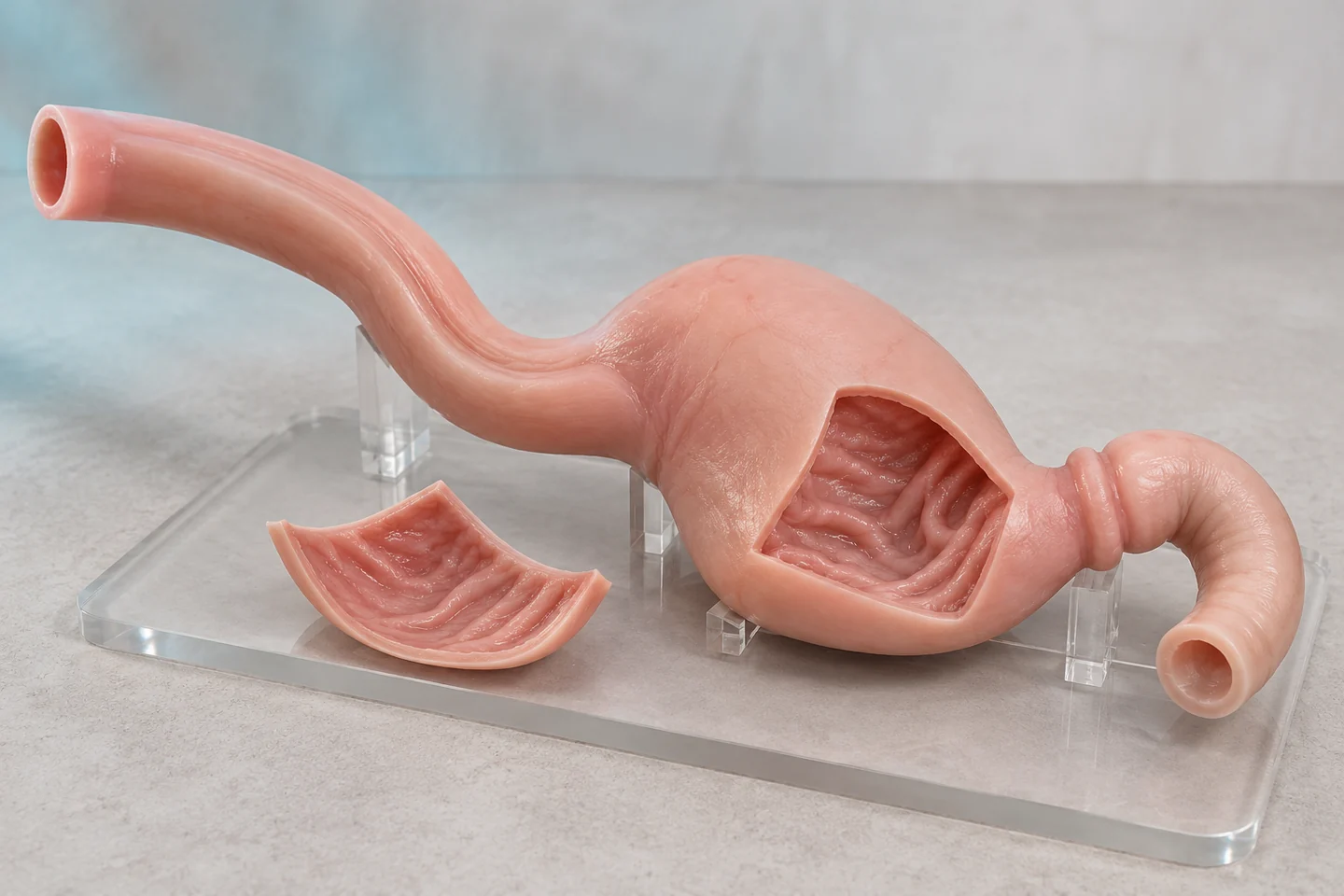
Upper-GI endoscopy · Lower-GI anatomy and navigation
Model directions ↗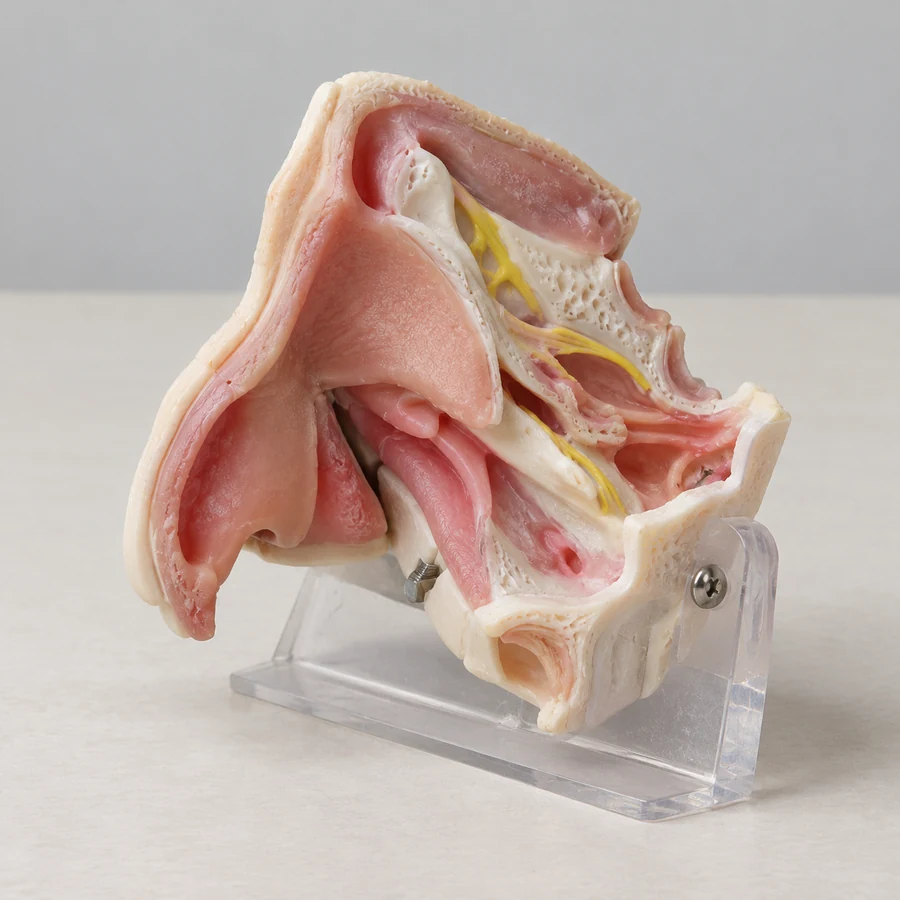
Nasal and sinus anatomy · Temporal-bone and ear modules
Model directions ↗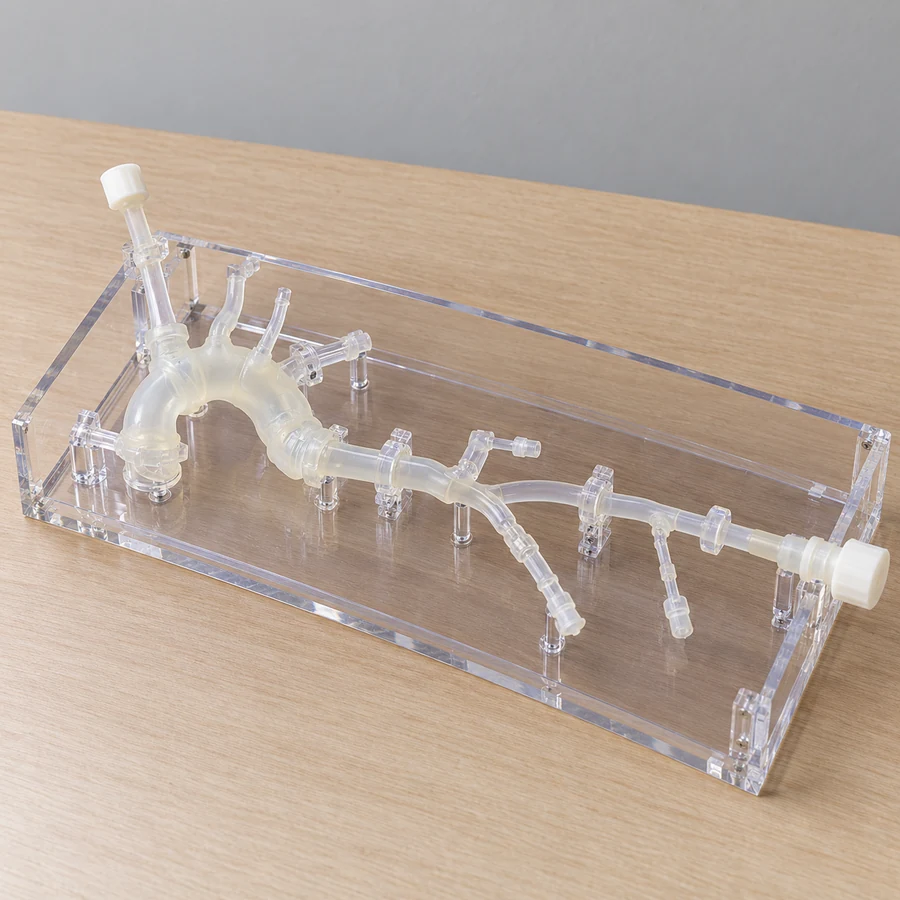
Cardiac anatomy and lesions · Vascular access pathways
Model directions ↗Cranial and brain anatomy · Neurovascular relationships
Model directions ↗Start a conversation
Three connected services for medical education, simulation and 3D projects.
info@maxseas.com ↗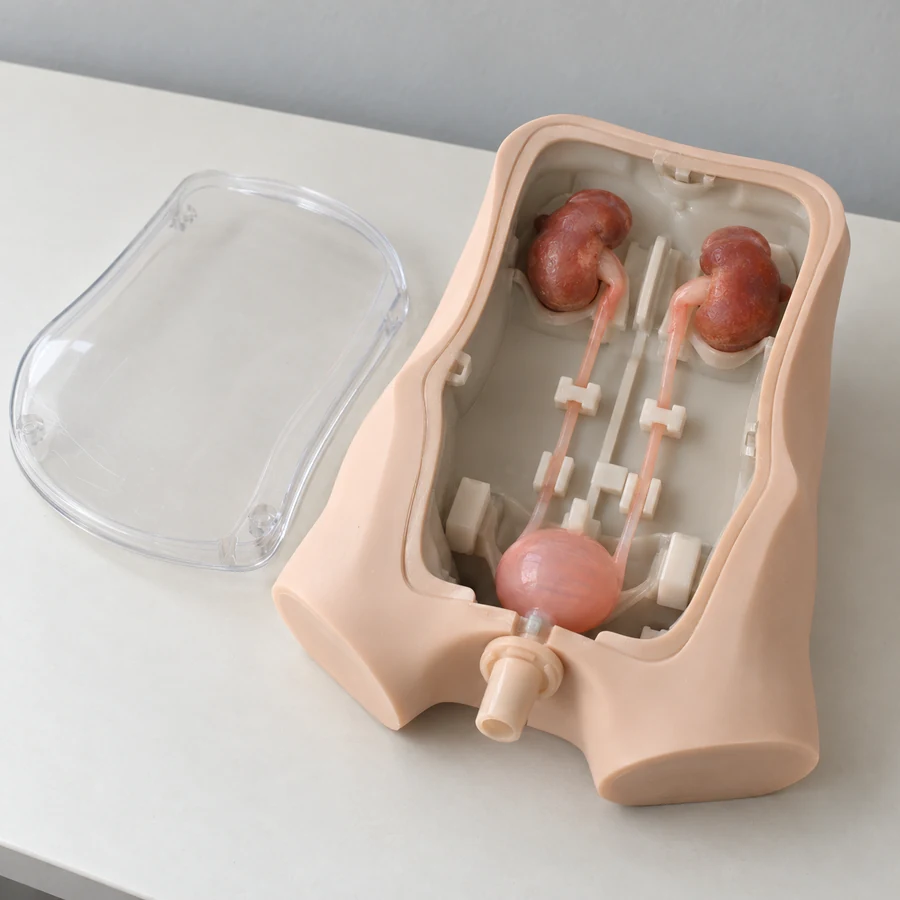
Please leave out patient information and medical images. Data suitability and a secure, authorized transfer process are discussed separately.
Your project enquiry