
01
Cranial and brain anatomy
Specify skull, brain, membranes or other layers that need to be shown separately or as an assembled model.
Browse by medical specialty
Explore cranial, brain and neurovascular model directions for teaching and simulation briefs. Define layers, target structures, access routes and replaceable regions.
Digital anatomy concept
Define layers, structures and the intended access route before designing a physical model.
Model directions
Specify skull, brain, membranes or other layers that need to be shown separately or as an assembled model.
Define vessels, surrounding structures and the visibility required to explain their spatial relationships.
Discuss an anatomical region and access scenario, including any local replaceable area for the training task.
These are project directions, not confirmed stock items. Materials, instrument compatibility and supplied components are agreed for the specific configuration.
Selection checklist
Specialty questions
List the structures to show, the intended access route, whether layers should separate and the educational task. Suitable CT/MRI data can be assessed separately when relevant.
Clinical use, accuracy requirements and validation must be assessed for the particular project and intended market. A category description does not establish that suitability.
Project guides
Browse by medical specialty
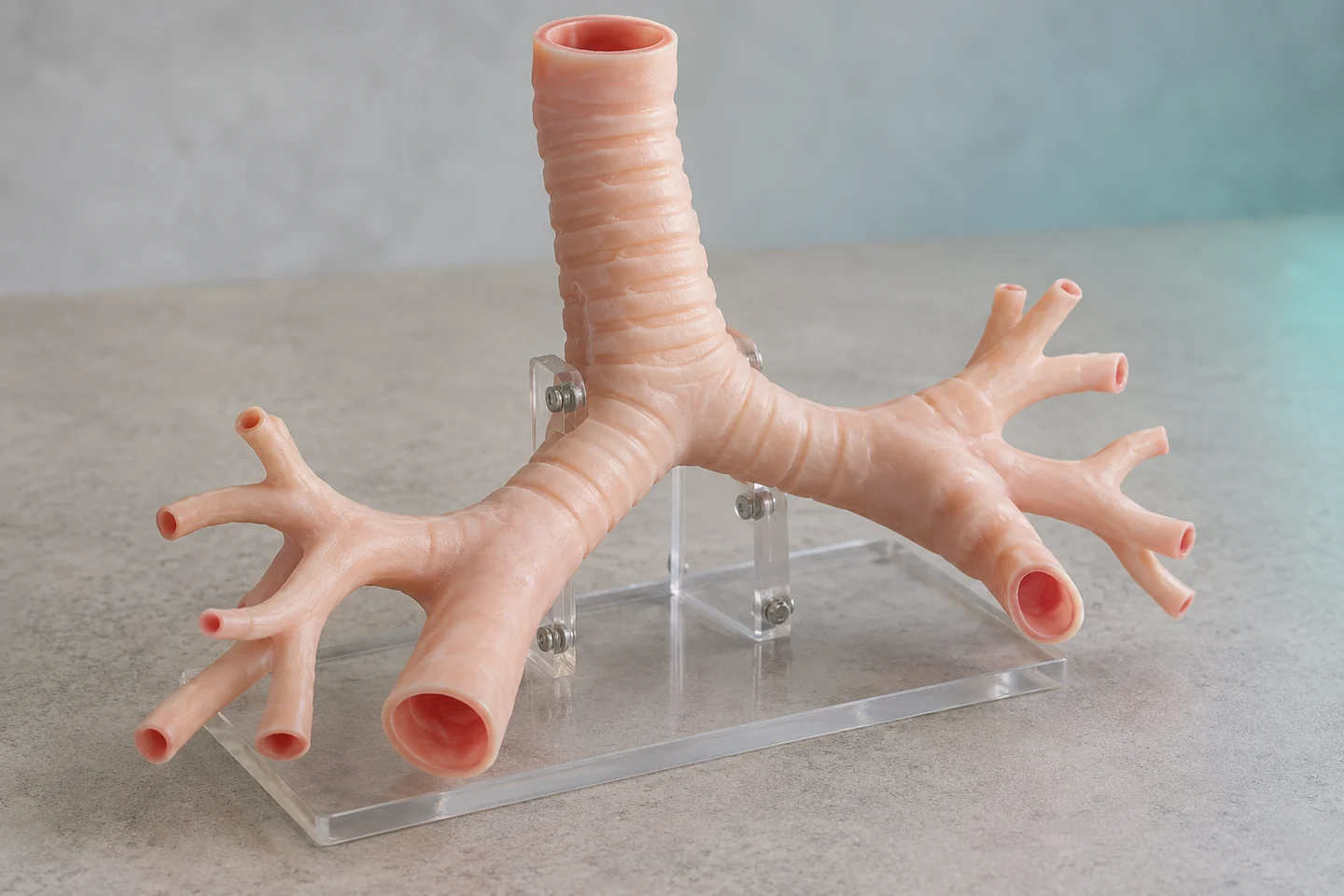
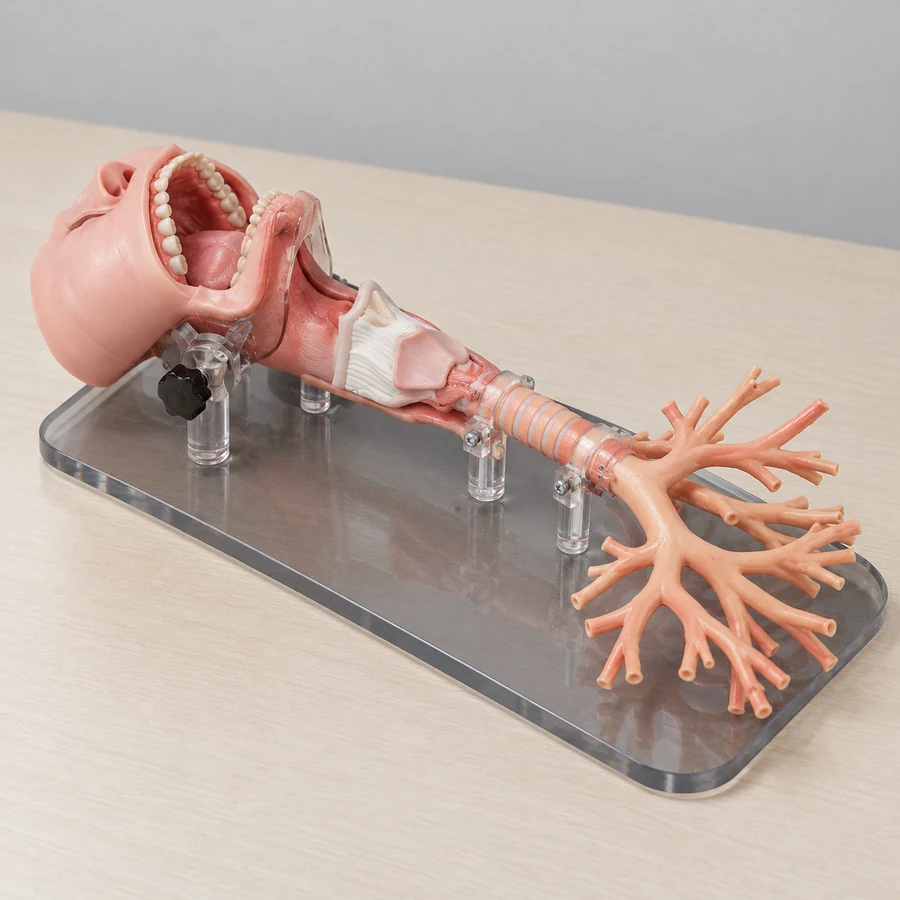
Connected upper airway · Adult or child bronchial anatomy
Model directions ↗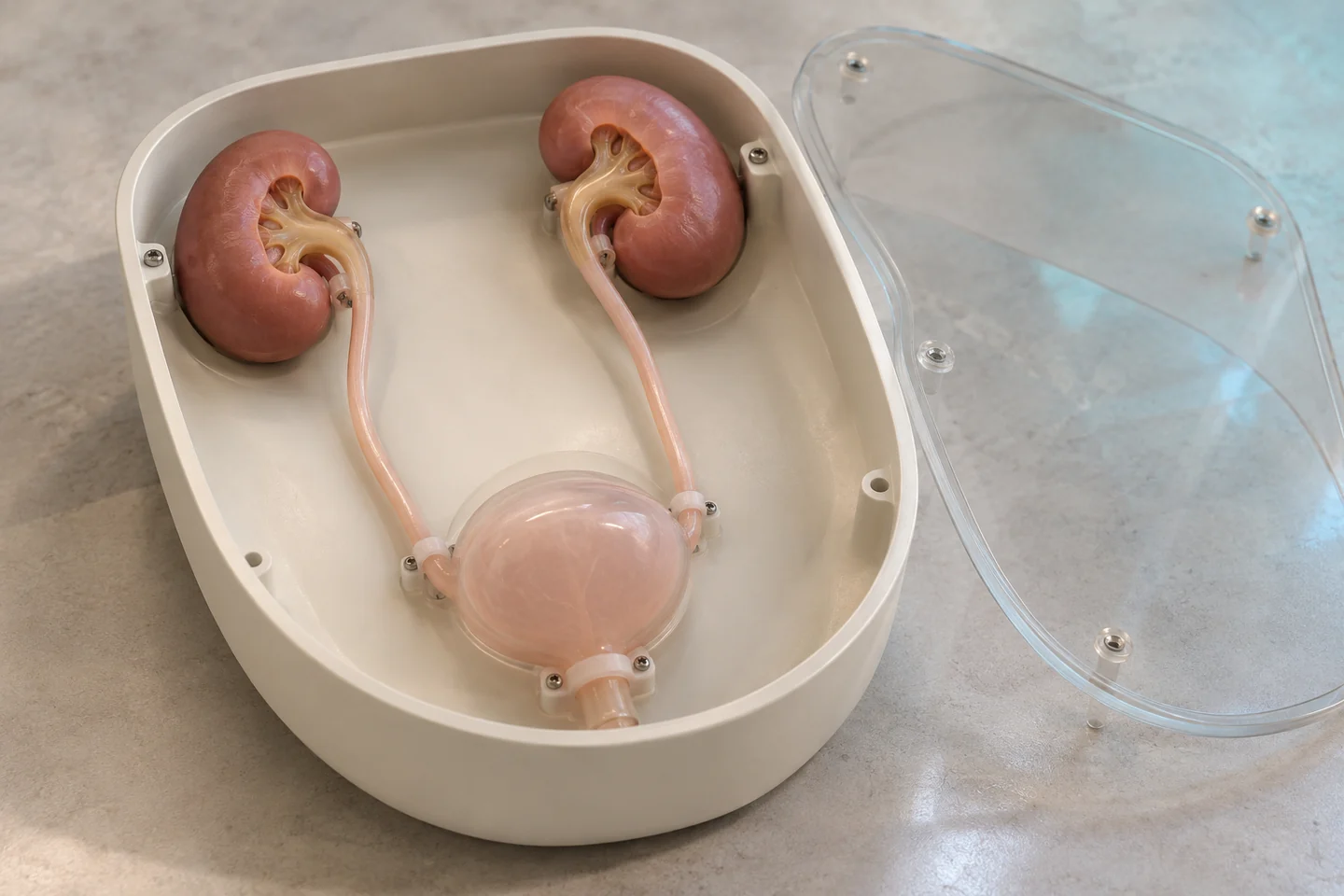
Urinary-tract endoscopy · Renal-access modules
Model directions ↗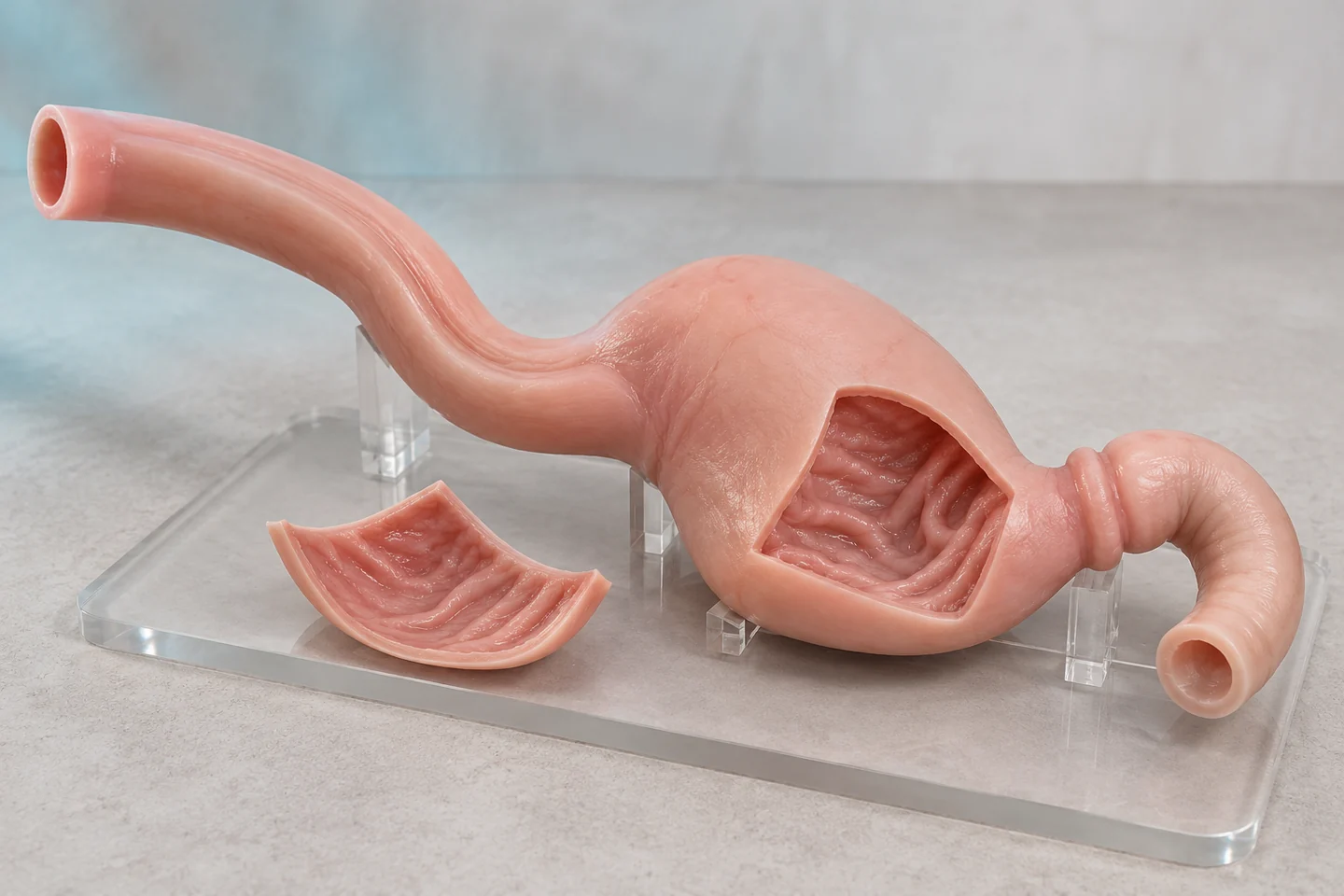
Upper-GI endoscopy · Lower-GI anatomy and navigation
Model directions ↗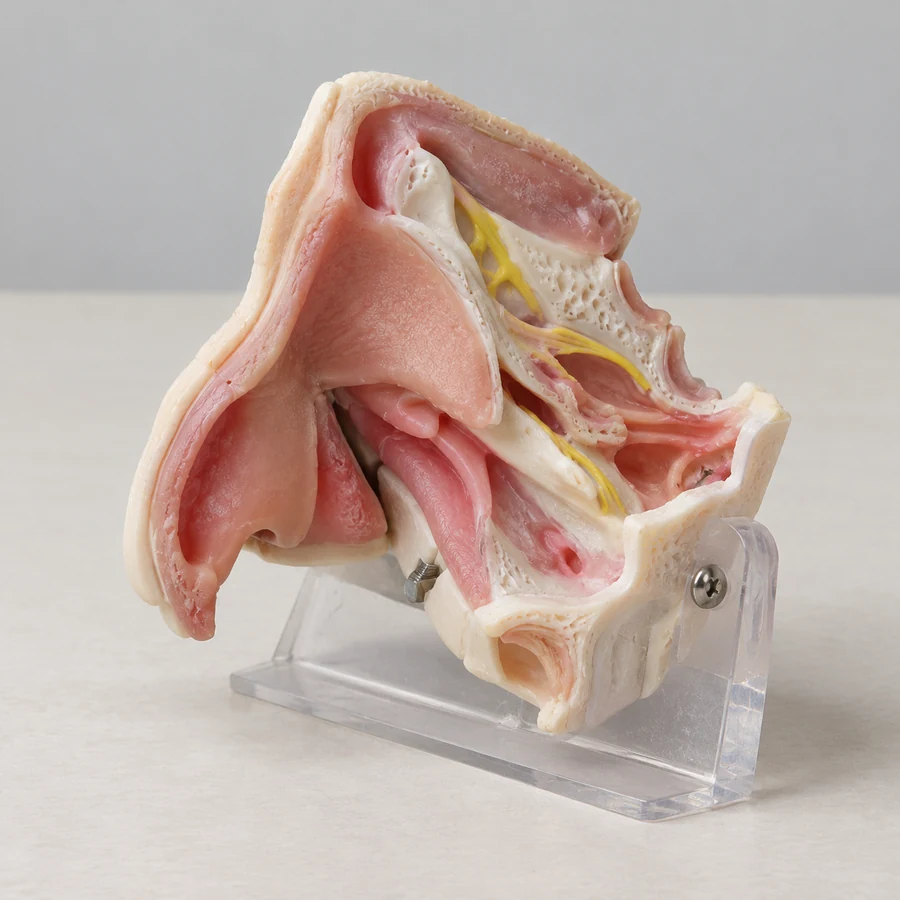
Nasal and sinus anatomy · Temporal-bone and ear modules
Model directions ↗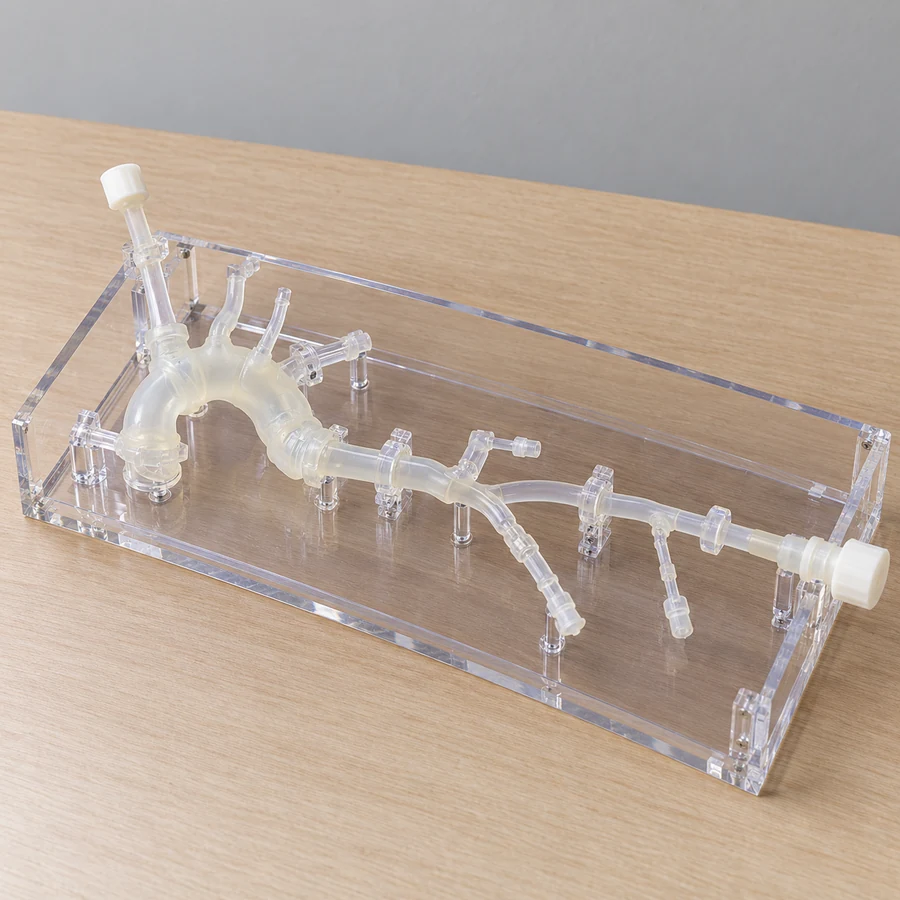
Cardiac anatomy and lesions · Vascular access pathways
Model directions ↗Start a conversation
Three connected services for medical education, simulation and 3D projects.
info@maxseas.com ↗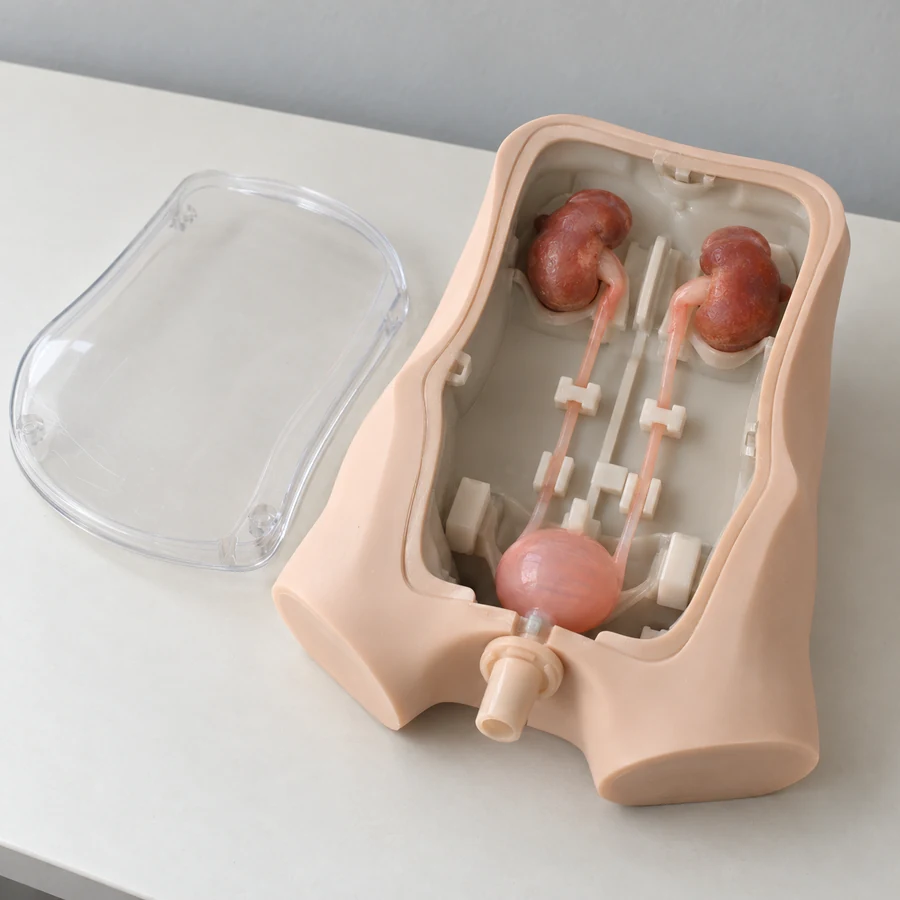

Please leave out patient information and medical images. Data suitability and a secure, authorized transfer process are discussed separately.
Your project enquiry